


Hardware components | ||||||
 |
| × | 1 | |||
Software apps and online services | ||||||
 |
| |||||
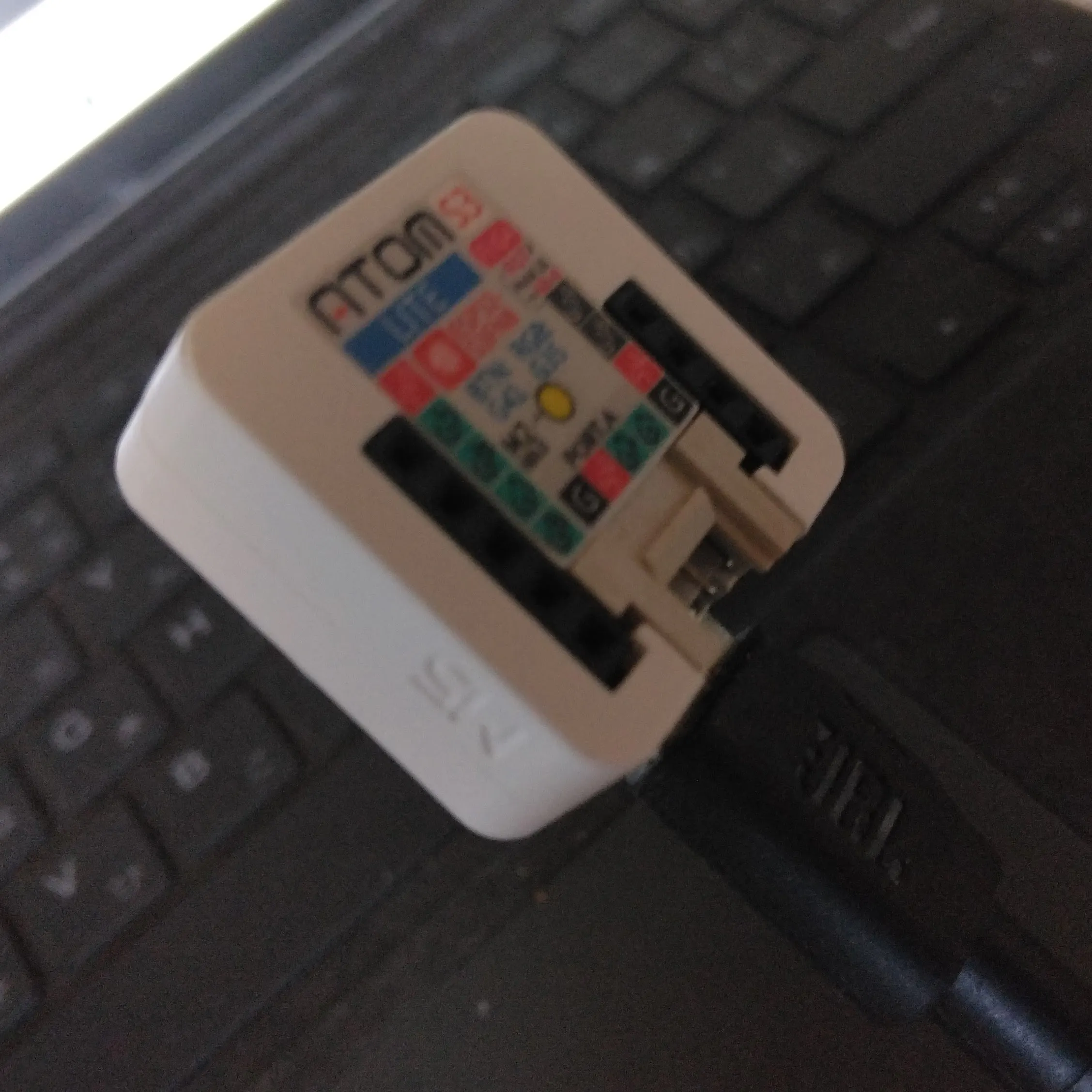
It all started with a simple idea: if I could build an input device like a mouse, maybe I could do something fun with it. After a bit of research, I found that making such a tool is surprisingly easy. I consulted ChatGPT, and it turns out I could build it using a device I already had—an M5Stack. Not all models support this, but mine, the budget-friendly M5Stack AtomS3 Lite, includes an ESP32-S3 chip, which makes it possible.
I gave it a shot, and within just 30 minutes, I had a quirky little device up and running.
🔮 Typing Out Fortune ResultsThen I thought: what kind of device would be amusing? What if it randomly typed out a fortune result, as if entered from a keyboard? You open Word, press a button, and a fortune appears. That’s it. Totally pointless. But the idea excited me, so I built it.
🤝 Collaborating with ChatGPTI tossed some sample fortune texts to ChatGPT and asked it to generate random outputs using the M5Stack AtomS3 Lite. In seconds, it gave me working code. I compiled it using Arduino IDE and flashed it to the device.
🐛 Bugs and FixesIt worked pretty well, but the input speed was way too fast, causing dropped characters. I was sending entire lines at once, but ChatGPT advised me to send one character at a time with delays. It even provided the updated code. I recompiled it in Arduino IDE, and voilà—it worked perfectly.
🧾 SummaryI built an utterly ridiculous tool, but for the first time, I created a USB-powered input device. That’s a big deal. Here’s why:
- I can send shortcut keys to trigger functions with a single button press.
- It works not just with Word, but also with Excel.
- If I link Excel macros to shortcut keys, this could become a powerful automation tool.
And the best part? I didn’t write a single line of code. I didn’t debug anything. I simply collaborated with ChatGPT.
From idea to completion in 30 minutes. That’s revolutionary. It shows just how powerful a customizable, USB-connected device like the M5Stack AtomS3 Lite can be—even one with just a button.


Comments