



Hardware components | ||||||
 |
| × | 1 | |||
 |
| × | 1 | |||
 |
| × | 1 | |||
 |
| × | 1 | |||
| × | 2 | ||||
 |
| × | 1 | |||
 |
| × | 1 | |||
Software apps and online services | ||||||
 |
| |||||
 |
| |||||
 |
| |||||
WHAT DOES IT DO?
•This project uses IoT to connect and control your household appliances like Fan, Heater through the internet.
•The LM35 Temperature sensor is used to sense the current room temperature and also predict future temperature using polynomial regression in the bolt cloud.
•It turns on the fan when it is too hot and the heater when it is cold and also sends SMS alert to the user via Twilio.
•It also includes Z-score analysis to detect anomaly in the temperature and give alert to the user via SMS and buzzer.
This can be used in all households and also saves us a lot of time and energy as we don't have to pause our work to turn on the fan or heater when needed, since the fan and heater are connected to the internet, it automatically gets turned on depending upon the indoor temperature. It also alerts the user if any anomaly is detected through the buzzer.
Temperature(Celsius)=(sensor value)*100/1024
PROJECT OUTPUT:Temperature is sensed each minute but in real time this can be increased to minimize alert generated. For experimental purpose:
- >When temperature in sensor value is between 320 and 340, no new operation is performed and the previous state is maintained.
- >When temperature in sensor value is greater than 340, Fan is turned on and alert is sent via sms to user.
- >When temperature in sensor value is less than 320, heater is turned on and alert is sent via sms to user.
- >When anomaly is detected the buzzer beeps for 10 second and required action is made.
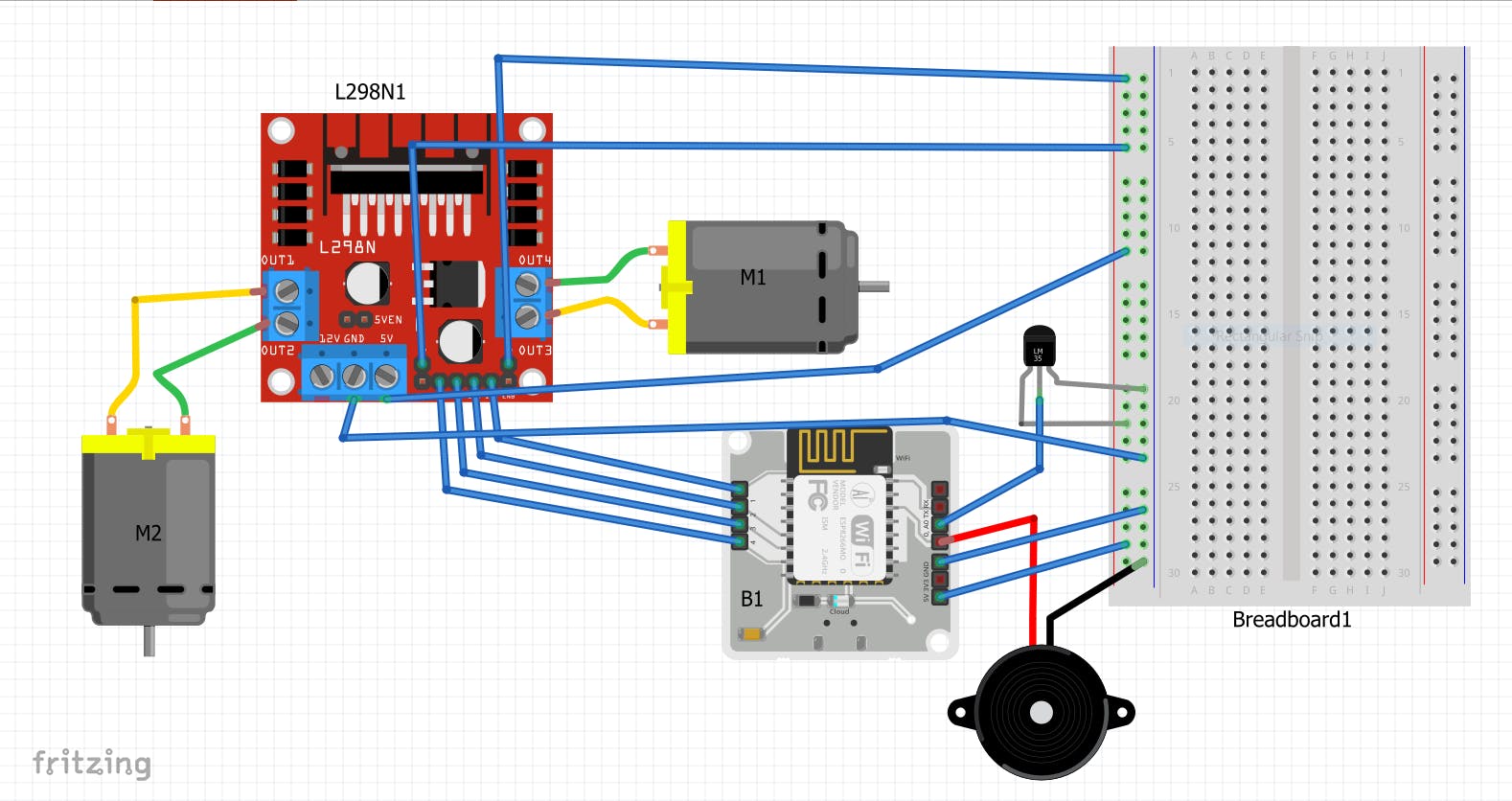
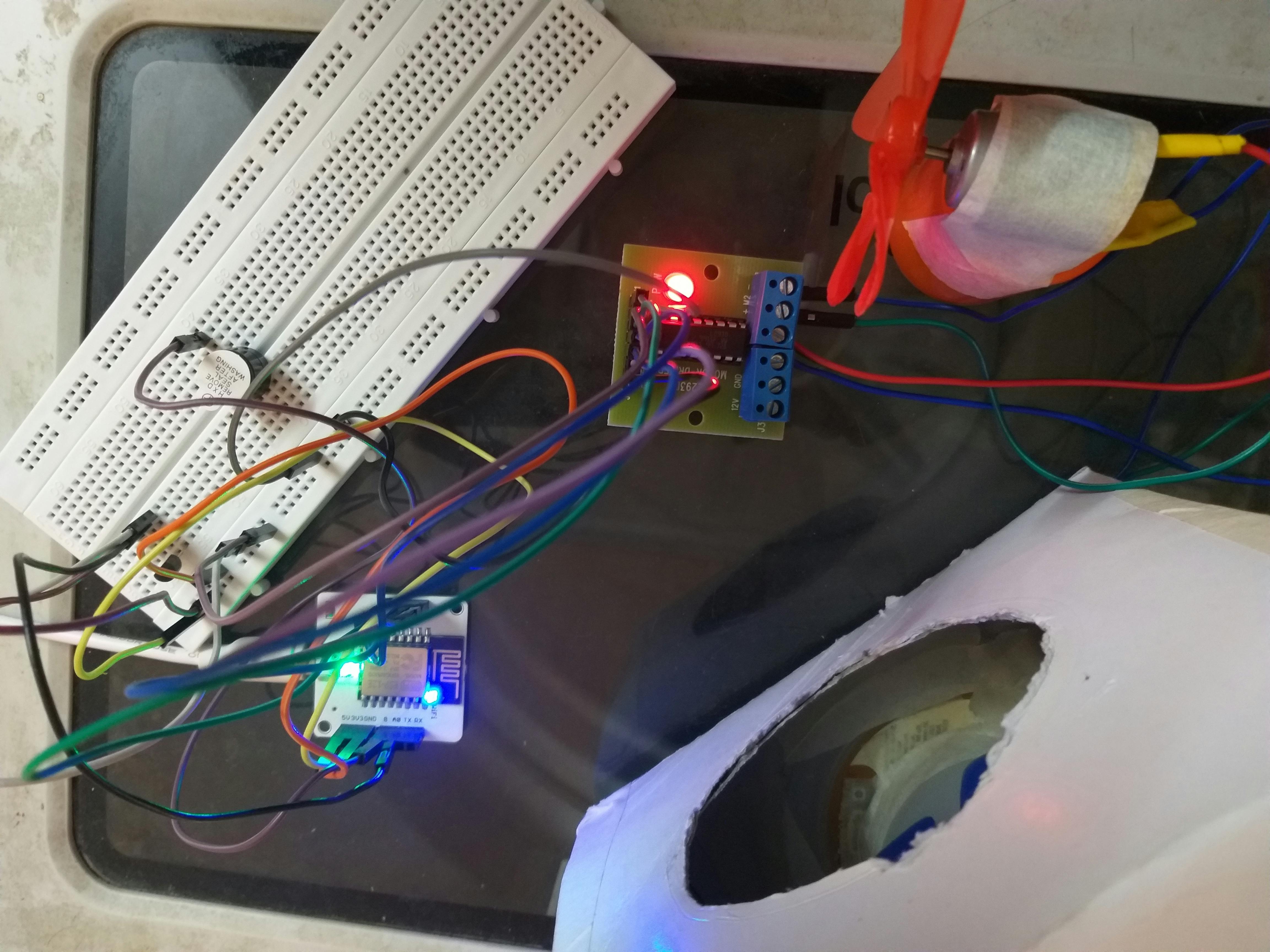
STEP 1: CIRCUIT DIAGRAM: AFTER CONNECTION PICTURE AND THE CIRCUIT DIAGRAM IS GIVEN IN THE SCHEMATICS SECTION.
•Bolt cloud is a server which lets you communicate with your Bolt WIFI module over the internet. It offers features like receiving and storing the data collected by Bolt Modules, Storing the data, Analyzing it via Data visualization and Machine Learning as well as it lets your program your Bolt modules.
•Creating cloud account:
•1: Open www.cloud.boltiot.com on your web browser (Google Chrome recommended)
•2: Click on "Sign Up”
•3: Enter your details in the Signup-page shown below. Enter your name, email id (login ID for Bolt cloud), and password in the fields. Do confirm your password by typing it again in the Confirm Password field and then click on the Register button.
•4: Verification of your account: If you have entered all the details correctly, you will be successfully registered on Bolt Cloud. You will be sent a Verification Mail to your mail Id as seen below (Please check your Spam folder if the mail is not found in your Inbox.
•5: You will be redirected to your Bolt Cloud Dashboard, with the Welcome message greeting, where you can click on the Getting Started button to view the guide.
STEP 3: PREDICTING TEMPERATURE PROGRAM IN BOLT CLOUDThe future temperature is predicted using polynomial regression. Refer bolt documents for clear understanding of this topic https://docs.boltiot.com/docs.
LOG IN into Bolt cloud and in products section, click on +Add product and follow as shown in the pictures below and deploy the configuration.
STEP 4: FAN AND HEATER SETUP
•Create a miniature fan and heater using DC motor to control it over the internet.
•DC motor + propeller = FAN (M1)
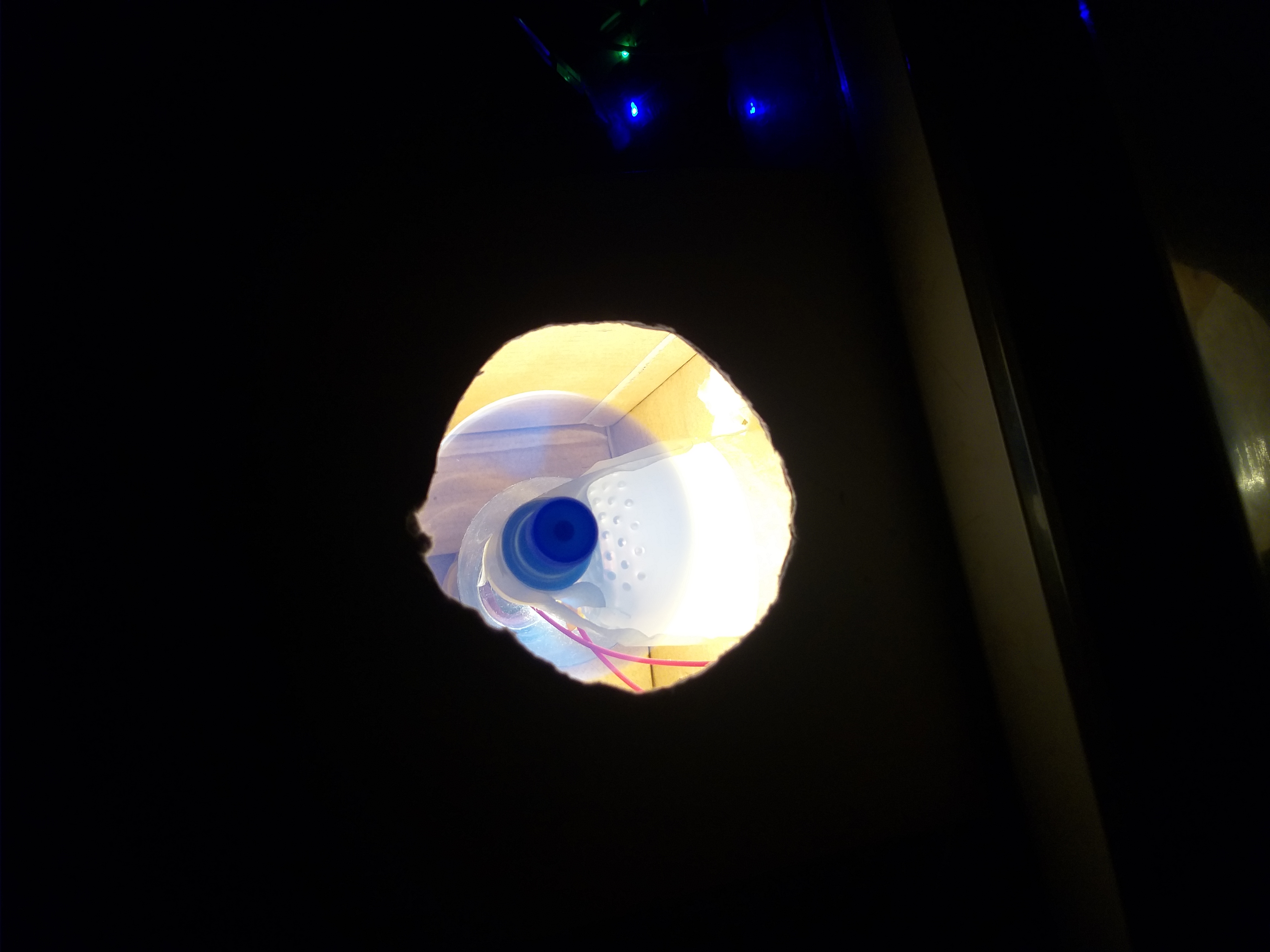
•DC motor + propeller + light bulb = HEATER (M2)
Connect 12V to L293D for more faster rotation of motor.
-> Open the ubuntu virtual machine in VMware. Open the terminal and type the following commands to download the Bolt Python library.
• sudoapt-get update
• sudoapt-get upgrade
• sudoapt install python3-pip
• sudopip3 install boltiot
sudo nano file_name.py to open the file
Press ^x and Y and enter to save the file.
sudo python3 file_name.py to run the file.
REFER TO THE CODE SECTION FOR THE PYTHON CODES:
Click on view this device icon to get the following screen.
SMALL VIDEO CLIP OF OUTPUT WHEN THE HEATER IS TURNED ON AND BUZZER BEEP WHEN ANOMALY IS DETECTED:
PROJECTVIDEO:


_3u05Tpwasz.png?auto=compress%2Cformat&w=40&h=40&fit=fillmax&bg=fff&dpr=2)


Comments