What is your project about?This project was designed for the demonstration of use of multiple sensors in conjunction. A realistic scenario for this is the monitoring of the level of water and water temperature for use in an automated water delivery system for pets. Essentially this project is the sensor portion of an automatic water bowl for a pet. With simple modifications a water reservoir could be added to this bowl along with an actuator that is set to allow water to refill the water bowl when the water level drops below a certain level, as well as monitor the temperature of the water to ensure quality and safety. For a dog the water temperature is not critical but for certain pets such as fish or amphibians or reptiles the temperature of the water is much more important and needs to be monitored much more carefully.
Why did you decide to make it?The decision to make this project was to demonstrate the ability to use multiple sensors in tandem in order to allow for a useful device to help with automating pet care.
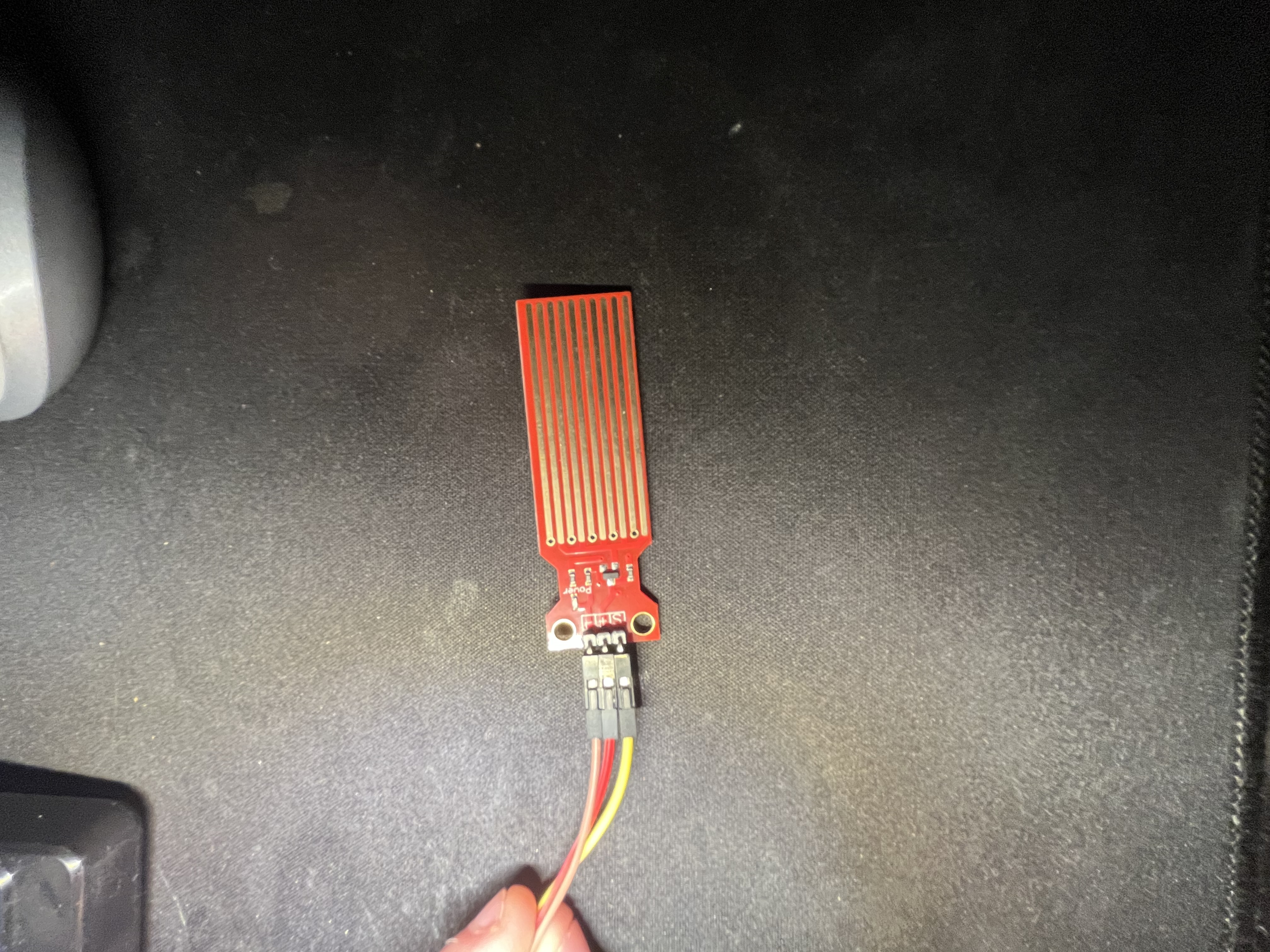
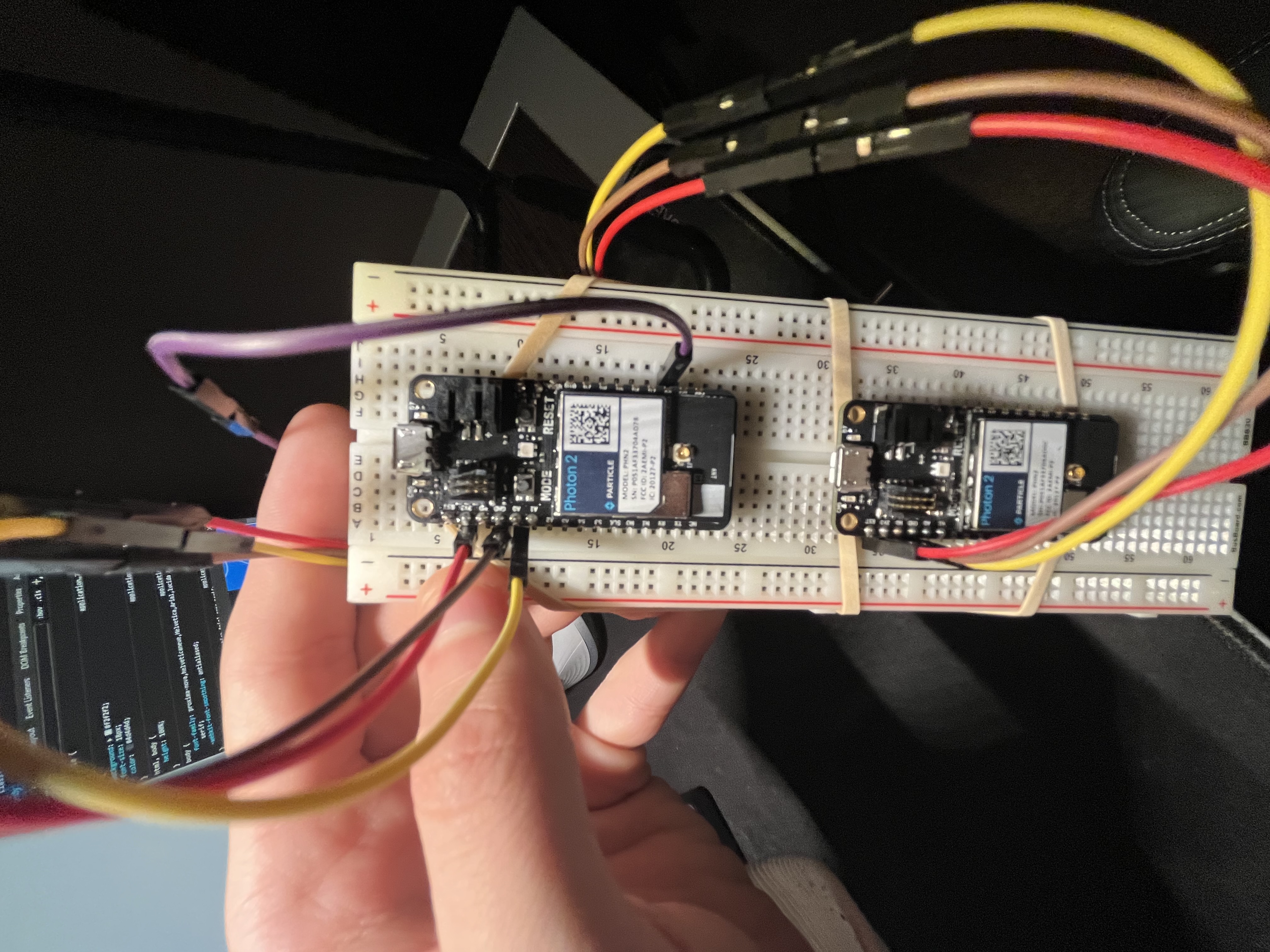
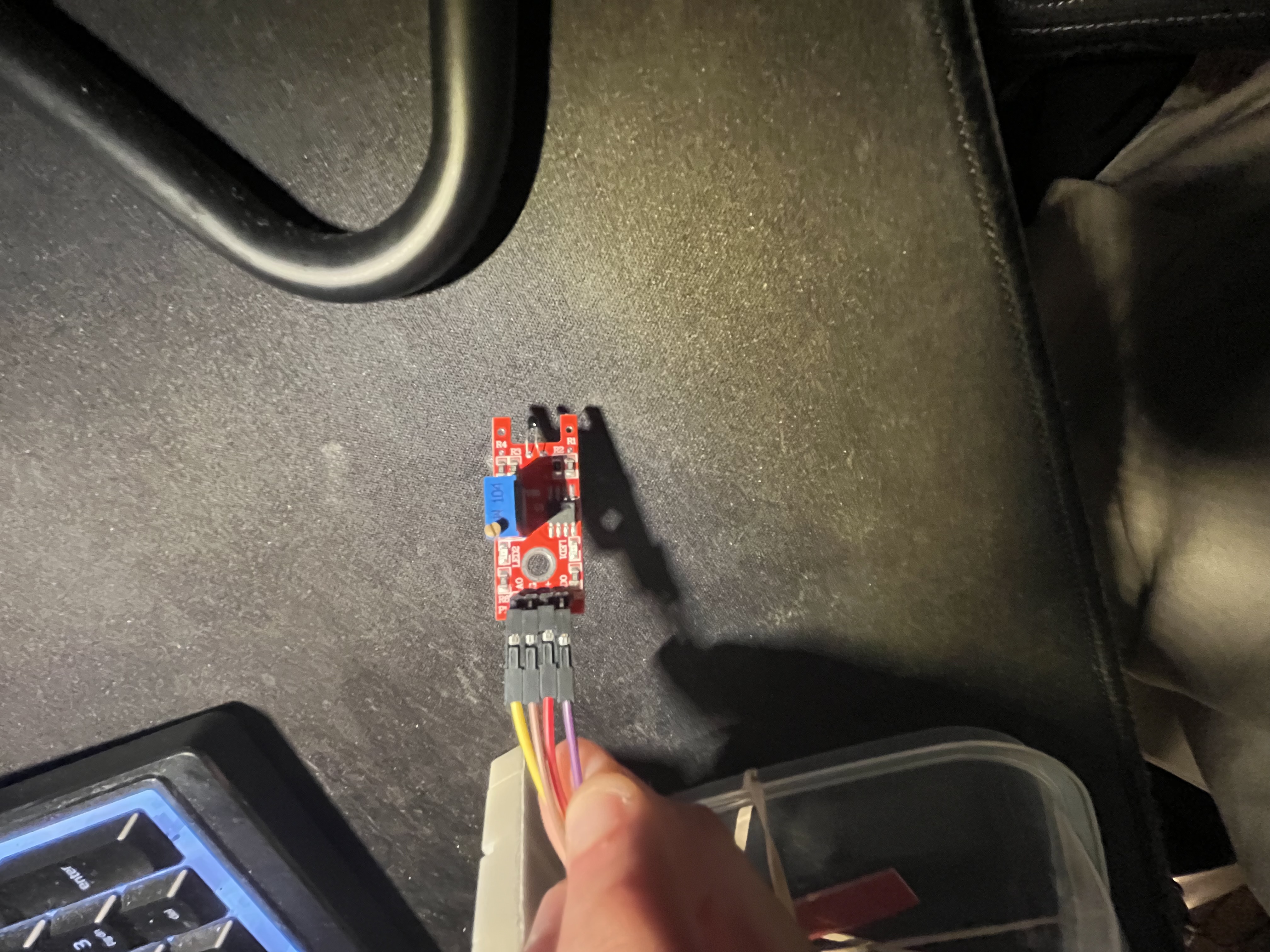
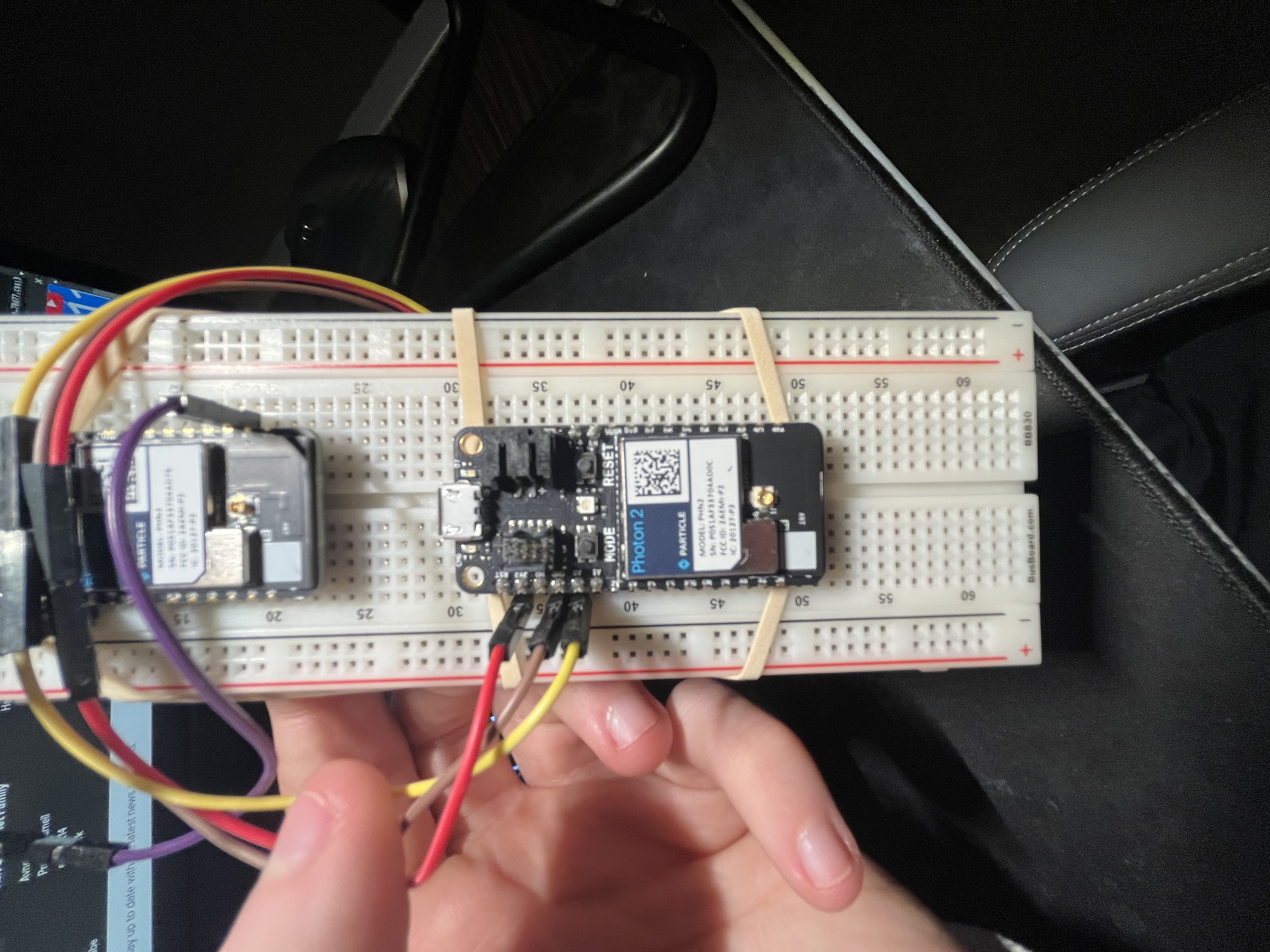
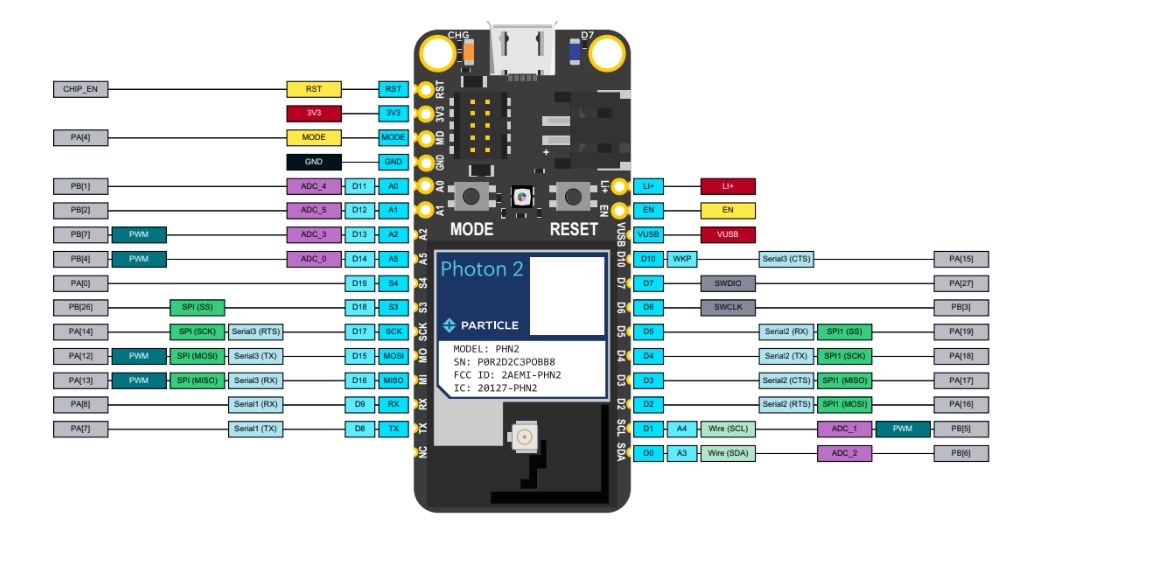
How does it work?This project utilizes two particle photon 2 boards along with a sensor for water level and a sensor for temperature. The water level sensor uses the change in resistance that water allows for as electricity is passed through copper strips submerged in water. The higher the water level the less resistance is detected from the water level sensor. As for the temperature a simple thermistor is used to detect the difference in resistance caused by the effects of temperature. The thermistor has to be manually calibrated beforehand to ensure the temperature is within the acceptable range, this is done by adjusting the variable resistor on the digital thermistor. This data is then transmitted from the photon boards to the internet and through some simple coding is interpolated.
-----------------------------------------------------------------------------------------------------------------------
Wire attachment for thermistor to Arduino Uno
Wire attachment for water level sensor to Arduino Uno






Comments