



Hardware components | ||||||
 |
| × | 1 | |||
Software apps and online services | ||||||
 |
| |||||
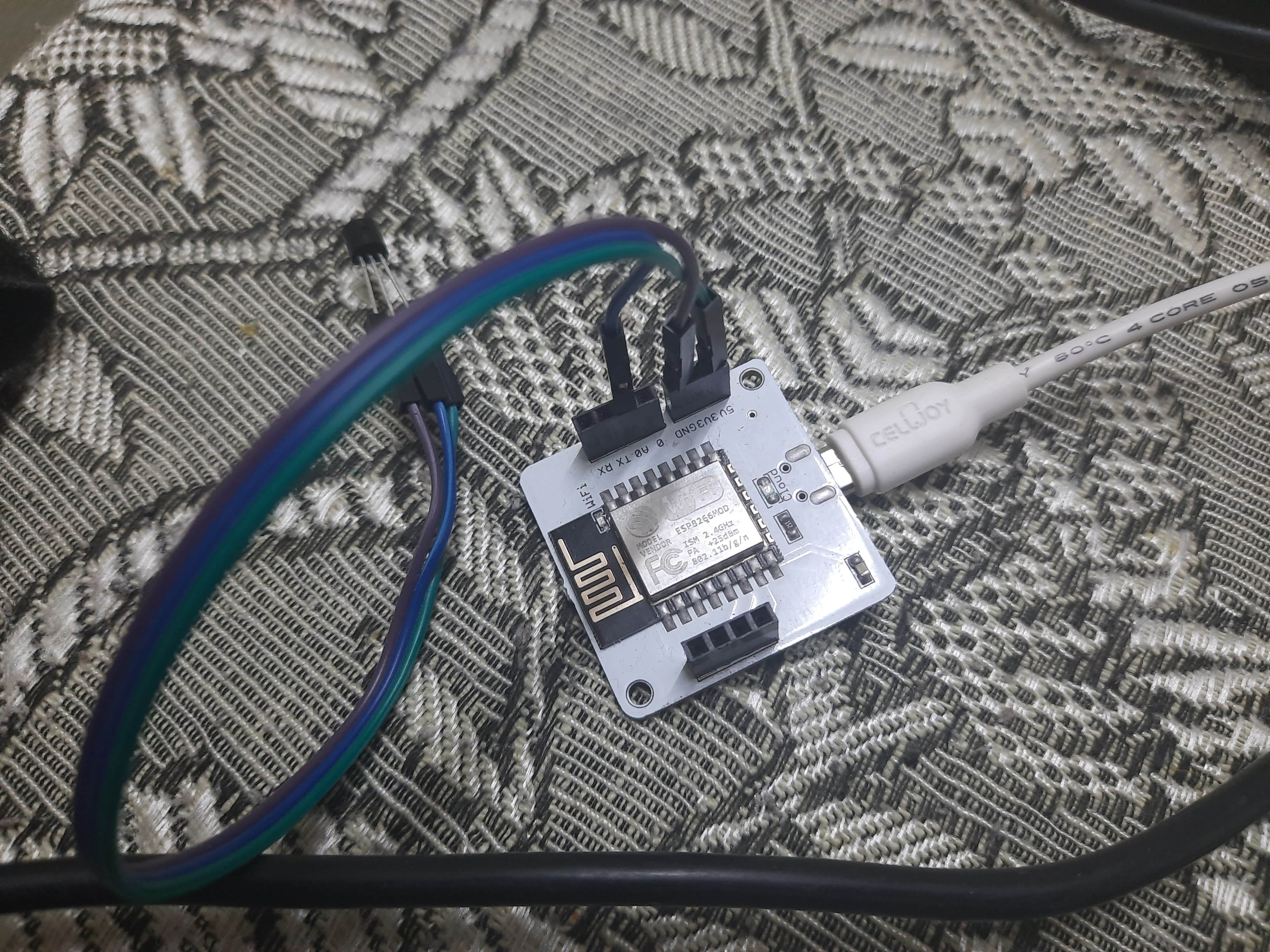
Hello friends final project where LM 35 sensor device send me code when exceeds a certain temperature value I develop a code to control sensor and send me SMS updates when sensor value above 297 or 29.03 degree Celsius. Whenever sensor exceeds value get SMS ALERT. Used python code with API along with In the previous lessons, we had learned what z-score analysis is. In this lesson, we shall learn how to write a python code which can use z-score analysis to find out whether someone turned on or off the lights in your room, and send you an SMS when this happens.
Step 1: Under Module 1, 'Building your first IoT sensor project' topic, we had learned how to connect an LDR to the Bolt and monitor it over the Cloud. Make the same circuit connections as per that topic.
Step 2: Once you are done with that, log in to your digitalOcean droplet and create a new folder to hold the files for this topic.
Note: If you are using VirtualBox or VMWare or a Linux system, log in to the system accordingly.
Step 3: You can create a new folder and enter it using the following command.
mkdir Anomaly_Detection
cd Anomaly_Detection
Step 4: Create a configurations file for this project, using the following command.
nano conf.pyAfter the editor is open, type in the following configuration parameters
SSID = 'You can find SSID in your Twilio Dashboard'
AUTH_TOKEN = 'You can find  on your Twilio Dashboard'
FROM_NUMBER = 'This is the no. generated by Twilio. You can find this on your Twilio Dashboard'
TO_NUMBER = 'This is your number. Make sure you are adding +91 in beginning'
API_KEY = 'This is your Bolt Cloud account API key'
DEVICE_ID = 'This is the ID of your Bolt device'
FRAME_SIZE = 10
MUL_FACTOR = 6
Note: You have to replace all the above value with your credentials. You can find the first four values in Twilio dashboard and the last two in Bolt Cloud dashboard.
You can set the FRAME_SIZE to 10, and the MUL_FACTOR to 3 for now. Once done, you can save the configurations file by pressing 'CTRL+x'
Step 5: Now create one more file named anomaly_detction.py, using the following command
sudo nano anomaly_detection.pyThis file will contain the main code. The algorithm for the code can be broken down into the following steps:
1) Fetch the latest sensor value from the Bolt device.
2) Store the sensor value in a list, that will be used for computing z-score.
3) Compute the z-score and upper and lower threshold bounds for normal and anomalous readings.
4) Check if the sensor reading is within the range for normal readings.
5) If it is not in range, send the SMS.
6) Wait for 10 seconds.
7) Repeat from step 1.
s. and bolt cloud to create M L graph to predict values


Comments