



Hardware components | ||||||
 |
| × | 1 | |||
 |
| × | 1 | |||
 |
| × | 1 | |||
 |
| × | 1 | |||
 |
| × | 1 | |||
 |
| × | 1 | |||
Software apps and online services | ||||||
 |
| |||||
 |
| |||||
Let's say you are a person who works for a secret organization. You are given an important and highly confidential file. Since many people are after that file, you decide to keep it at your place. But you want to monitor the place such that whenever anyone enters the room and switch on the light, you will be notified.
In project uses "Z-Score Analysis" to predict the turn on and turn off of the light.
Let's dive in to learn how to create such a system.
STEP 1: Creating an account on the IoT cloud- Go to www.cloud.boltiot.com.
- Enter your details and create an account.
- After creating login into your account.
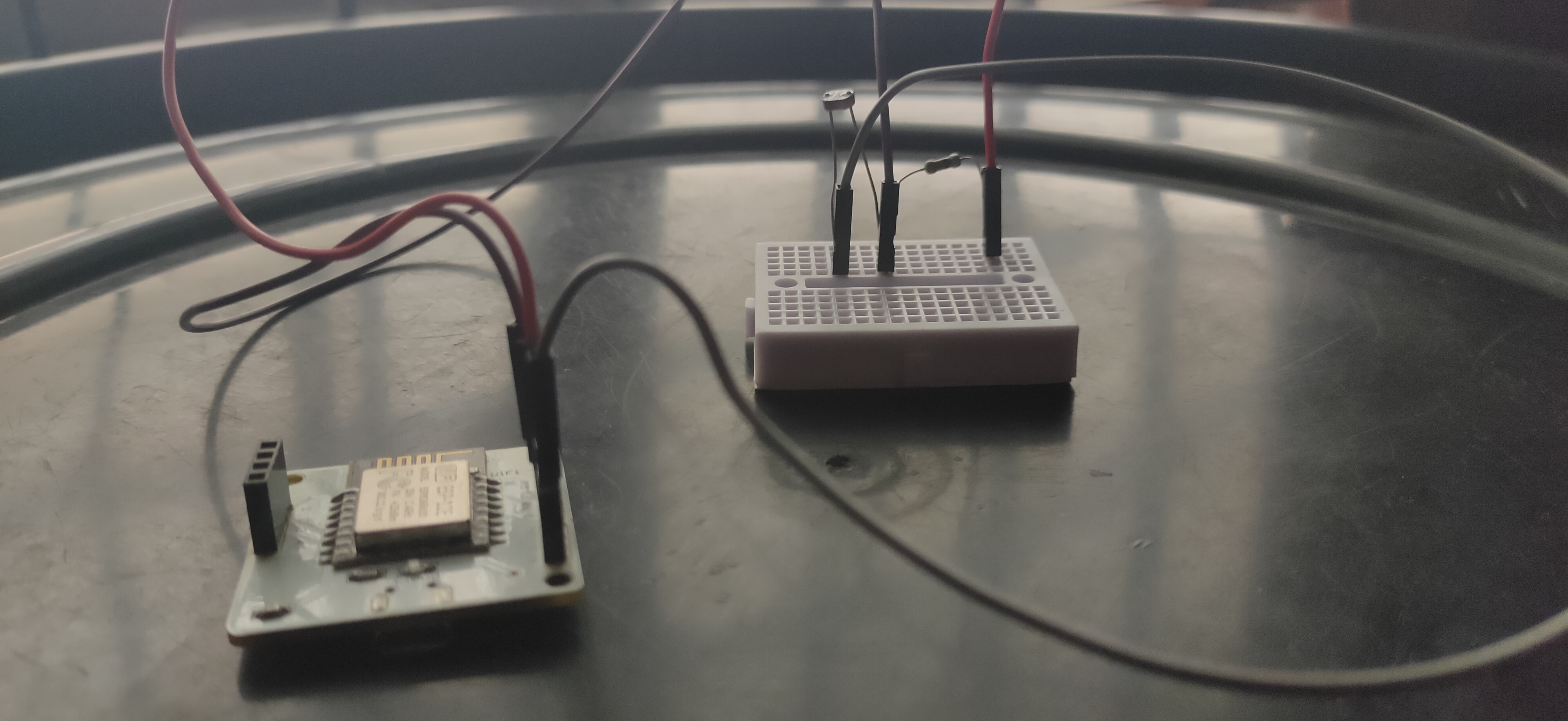
- Connect one lead of LDR to the 3v3 pin of the Bolt IoT module.
- Connect another lead of LDR to the A0 pin of the Bolt module.
- Connect one leg of 10K ohm resistor to the GND pin.
- Connect another leg of the resistor to the A0 pin.
- Make sure all connections are properly made without any loose contacts.
- Login in to your Blt Cloud account.
- Click on the product tab on the left side and click "Build".
- Give a suitable Product icon and product name.
- Select "Input device", as LDR is an input device.
- Select "GPIO" to collect data and then click "Done".
- Next click "Configure this product" (looks like tools) on the right side.
- You will get a "Product Setup" page which has "Hardware" and "Code" tabs.
- In the Hardware tab, select A0 and a variable name.
- In the Code tab, write the code to create a chart in.js extension and click "Save".
- Link your product with your device by clicking the "Link" icon.
- Go to "https://www.twilio.com/" and create a free account.
- After creating the account make sure you note down the Twilio SID, AuthToken, ToNumber, etc..
- Open the "Digital Ocean" or any other platform where you write python code. You can even use "Pycharm" or other IDE but make sure you install necessary packages.
NOTE: Use "pip install boltiot" in Pycharm to get the bolt packages.
- Create a configuration file. I've named it "confy.py".
The first four parameters are Twilio details and the next two are your Bolt device details which you can get in your Bolt Cloud.
Frame Size decides the threshold value ie., it is the number of data required for deciding the threshold value fo the analysis. I've kept frame size as 3 for quick calculation but you can keep more for better analysis.
- The algorithm for the main code is as follows.
1) Fetch the latest sensor value from the Bolt device.
2) Store the sensor value in a list, that will be used for computing z-score.
3) Compute the z-score and upper and lower threshold bounds for normal and anomalous readings.
4) Check if the sensor reading is within the range for normal readings.
5) If it is not in range, send the SMS.
6) Wait for 10 seconds.
7) Repeat from step 1.
- The full code for the above algorithm is given under the "Code" section and the screenshot is given here.
- The output of the above code is
- Twilio SMS alert output


Comments