




Hardware components | ||||||
 |
| × | 1 | |||
 |
| × | 1 | |||
Software apps and online services | ||||||
 |
| |||||
 |
| |||||
Your Jetson device must be connected with cloud (thinger.io) otherwise, Apps does no show anything.Summery
The objective of this project is to detect the motion and notify the user about this motion. This system is helpful for monitoring the home, shop or other properties. For detecting the motion we used a motion detection algorithm. The algorithm is implemented in python along with OpenCV. The whole system was implemented in Jetson Nano.
A mobile application was used for visualizing the motion information. The mobile application also notified user based on motion information.
The block diagram of the system is given below:
- Jetson Nano Developmnet Board
- USB web camera
- Power Adapter for Jetson Nano (5 volt minimum 3A)
- Mobile Application Development Knowledge
- OpenCV and python programming knowledge needed
- micro SD card
Nvidia Jetson Nano OS image comes with everything. We don't need to install OpenCV separately. For preparing the microSD card (loading the OS), please visit the page, https://developer.nvidia.com/embedded/learn/get-started-jetson-nano-devkit.
Cloud ConnectionThe cloud connection is very straight forward. thinger.io cloud platform is used in this project.
Cloud Device creation (Thinger.io setup)
Connecting Jetson Nano with Thinger.io
Apps DevelopmentThe mobile apps collects data from thinger.io cloud and visualize them via image and charts. According to the data; the apps provides a push notification. The video demonstration shows everything. I have shared the APK (check the git repository). Note. the apps does not work if the my jeston nano is not connected with thinger.io cloud. The apps used my cloud credential for communication with thinger.io.
**Details are also available on www.roboticsbangladesh.com
Reference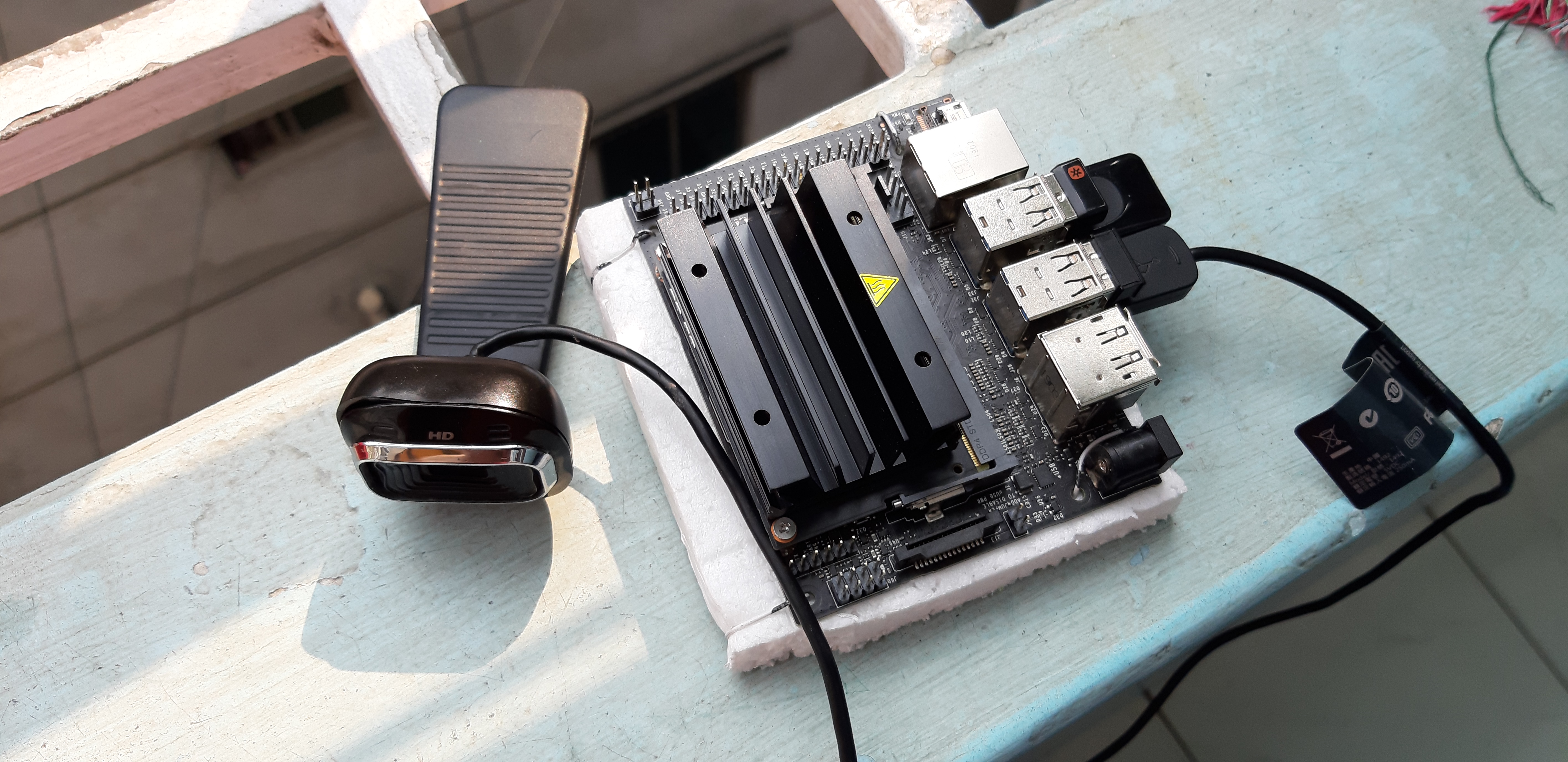



Comments