


Free Speech Movement Watch:
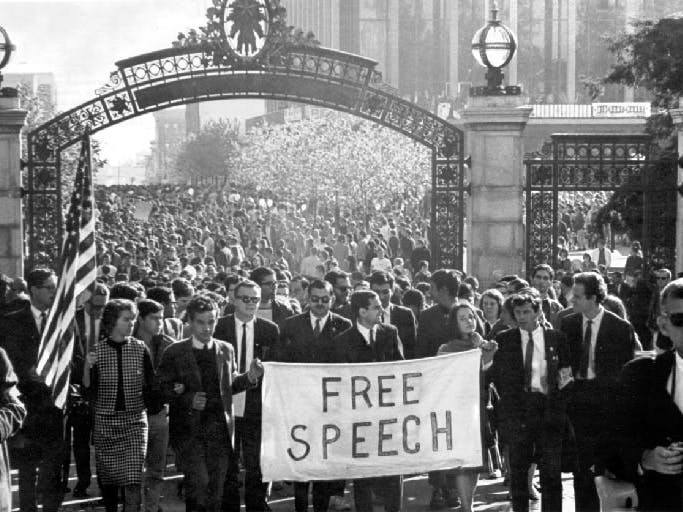
This is a joint watch and phone application that adds to the experience surrounding the 50th anniversary of the free speech movement. The process of running the application is as follows:
1) Walk through Sproul and a notification will appear on your Toq watch
2) Follow the directions on the notification, open the Toq application and click on the corresponding person from the free speech movement
3) A second card will appear with directions on what to draw
4) On your phone, a drawing canvas will appear and then follow the directions from your watch to draw the appropriate symbol or words
5) When finished, save the file to your phone
6) Click the upload button and select the image that was just saved and it will upload to flickr with the tag "cs160fsm"
7) At the same time, your Toq watch application will have a new card with the title FSM Art
8) Opening this new card will pull up a card with a random image from flickr with the tag fsm
Design Decisions:
As a result of the application being split between the phone and the watch, I wanted to make the phone application very simple. There are only 3 pages, one for the home screen, one to deal with installing and uninstalling the corresponding Toq application, and one for drawing. This gives the user a very clear sense of direction depending on what his or her purpose is.
For the drawing application, in addition to the basic colors, I added a few additional colors along with different brush sizes and a pencil option. The icons for the drawing tools were picked to be unambiguous as to their purpose.
Videos
The video shows the location based notification card and a demo walkthrough of the application workflow.
*Note: I cut the video after the notification popped up because of better recording/talking conditions at home.

Comments