


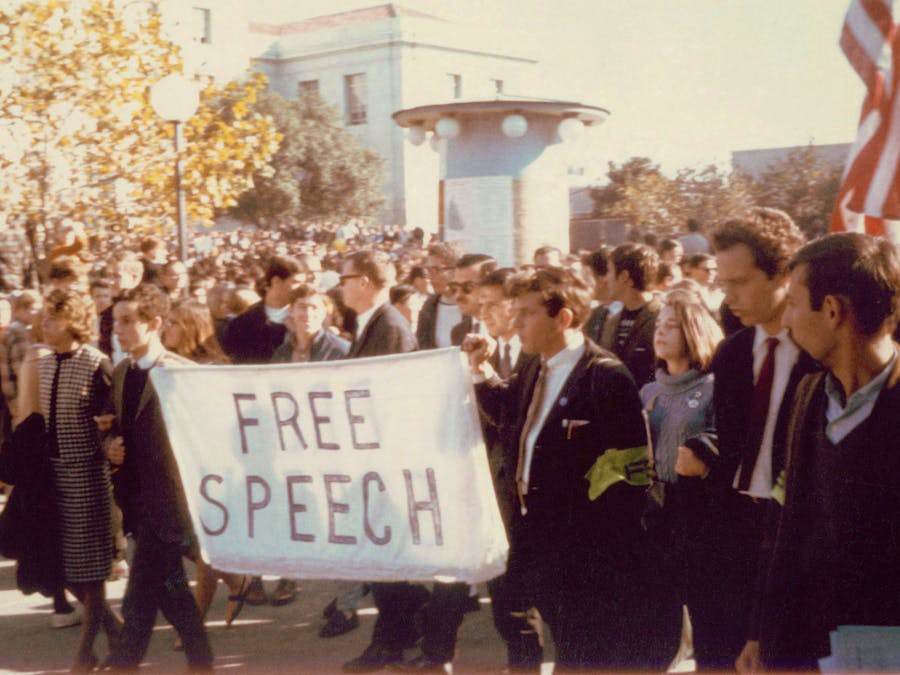
Want to contribute to the Free Speech Movement's 50th anniversary?
Participate in this fun, collaborative, location based activity to create posters for FSM.
You need a Qualcomm Toq watch to interact with this application.
The app detects when you are close to the Sproul plaza and sends you further instructions on your watch to draw your custom poster which you can then share with the world via Flickr.
Here are some of the key features of the app:
1. Detects location and notifies you when you are at the Sproul Plaza.
2. Allows you to paint a custom poster and save it via Flickr
3. Allows selection of brush sizes
4. You can also choose custom brushes like circle brush
5. You can choose from wide variety of color palette
6. Allows you to use voice commands to save the image to your gallery
Interaction Scenarios
1. The user arrives at the Sproul Plaza and receives a random notification on his watch from one of the six FSM leaders. The notification contains a short message asking the user to check find them on their smartwatch.
2. User then finds the name of the FSM leader and opens the card on his watch.
3. On opening the card, the app provides a statement for drawing the poster and also opens a Drawing screen on the user's smartphone.
4. The user can now create a poster here by using variety of color palette, brush sizes, circle brush.
5. The user can either choose to save the drawing, erase everything on the canvas, or erase part of the drawing. User can also issue voice command to save the drawing to the gallery.
6. Once the drawing is saved to the gallery, the user can choose to share it with the entire world via Flickr. All the saved images will be tagged as "cs160fsm".
7. Once the user shares her poster, she also receives a latest poster on her watch for those images on Flickr that are tagged as cs160fsm.
Extra Credit Features
1. Minimalist usable design with feedback mechanisms for all the user actions for example, erase all drawing, save the image, save to flickr. Works in portrait mode as well.
2. Color picker
3. Brush sizes
4. Brush types. Right now I have implemented circle brushes, but it can be extended to include any other polygon brushes.
5. Audio support for voice commands. Right now I have implemented save functionality for audio, but it can extended to implement other features like choose brush size, select color, etc.
References
Drawing App: http://code.tutsplus.com/tutorials/android-sdk-create-a-drawing-app-essential-functionality--mobile-19328
Polygon Brush: Section Activity
Toq Interactions: Qualcomm Demo App and Section Activity
Location: Section Activity
http://taapps-javasamples.blogspot.com/
http://www.edumobile.org/android/android-development/launch-activity-by-using-resolveinfo/
Audio support: http://androidbite.blogspot.com/2013/04/android-voice-recognition-example.html
CC-BY-SA:
Plus designed by Henrik Lund Mikkelsen from the Noun Project
Brush designed by Björn Andersson from the Noun Project
Save designed by Jevgeni Striganov from the Noun Project
Circle designed by Leinad Lehmko from the Noun Project

Comments