




Hardware components | ||||||
 |
| × | 1 | |||
 |
| × | 1 | |||
Software apps and online services | ||||||
 |
| |||||
 |
| |||||
According to the official statistics from the World Health Organization, An estimated 253 million people live with vision impairment: 36 million are completely blind and 217 million have moderate to severe vision impairment. This number will increase rapidly as the baby boomer generation ages. These visually impaired people have great difficulty in perceiving and interacting with the surroundings, especially those which are unfamiliar. Traditionally, most people rely on the white cane for local navigation, constantly swaying it in front for obstacle detection. However, they cannot adequately perceive all the necessary information such as volume or distance, etc. Despite the technological advancements, the visually impaired still rely on basic tools to interact with the world around them.
What is Deep Vision?Deep Vision is an integrated and intelligent assistive device. Using machine learning and IoT to give a holistic understanding of the environment and subsequently process it into audio/tactile cues to aid differently-abled people for the execution of high-level tasks such as navigation, object placement/manipulation, etc. It provides a comprehensive understanding of the environment that can assist the visually differently-abled to navigate independently, search and manipulate objects and provide facial recognition capabilities.
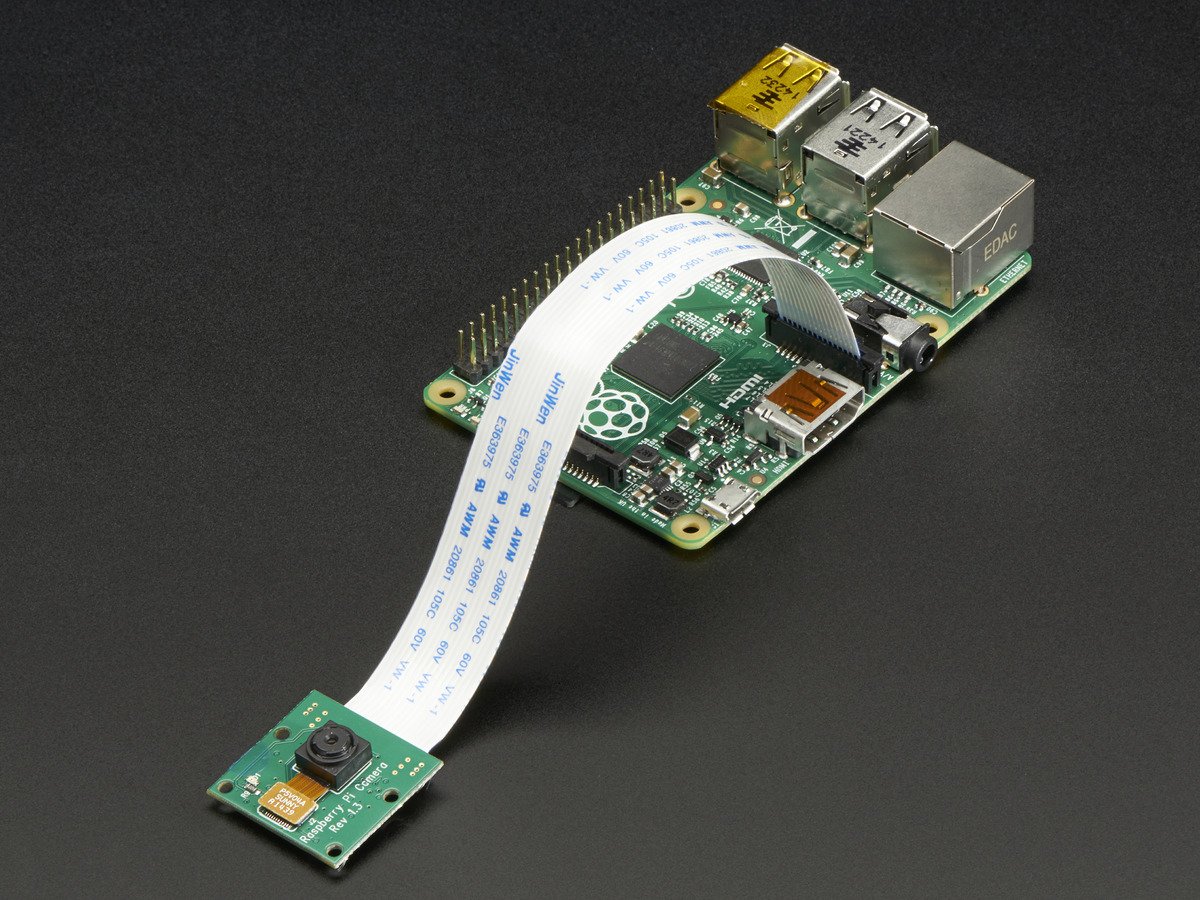
The on-board camera takes images based on a fixed interval and uses the Google Cloud Vision API to understand the content of an image by encapsulating powerful machine learning models in an easy to use REST API. It quickly classifies images into thousands of categories, detects individual objects and faces within images, and finds and reads printed words contained within images. While the same can be achieved with an offline dataset running on a powerful processor but the purpose of a fast and scalable utility is defeated. Totally blind people can be informed through auditory feedback. Tactile feedback does not block the auditory sense, which is the most important perceptual input source. Some sound feedback based ETAs map the processed RGB image and/or depth image to acoustic patterns or semantic speech for helping the blind to perceive the surroundings. Deep Vision hence, it helps in uplifting the visually differently-abled to lead an independent and digitally connected life.
The following represents the network topology:
•Encoder: The Convolutional Neural Network(CNN) can be thought of as an encoder. The input image is given to CNN to extract the features.
•Decoder: The Decoder is a Recurrent Neural Network(RNN) which does language modeling up to the word level.
•Training: The output from the last hidden state of the CNN(Encoder) is given to the first time step of the decoder.
•Testing: The image representation is provided to the first time step of the decoder.
•Datasets: Common Objects in Context (COCO), This data set has about 300K images which have 5 captions defined per image. It’s used as one of the standard testbeds for solving image captioning problems
Deep Vision combines the MobileNet architecture and the Single Shot Detector (SSD) framework to arrive at a fast, efficient deep learning-based method to object detection. The MobileNet SSD was first trained on the COCO dataset (Common Objects in Context) and was then fine-tuned on PASCAL VOC reaching 72.7% mAP (mean average precision).

Comments