



Hardware components | ||||||
 |
| × | 1 | |||
 |
| × | 1 | |||
 |
| × | 1 | |||
 |
| × | 1 | |||
Software apps and online services | ||||||
 |
| |||||
 |
| |||||
Being a bitcoin investor, tracking bitcoin values every moment causes a lot of stress and is very time consuming. Using BOLT IOT this problem can be solved by developing a system that tracks bitcoin value every 30 seconds and alerts you via not just a buzzer but also by sending an sms whenever the value exceeds the threshold set by you.
We use a python code that can be run in your virtualBox.
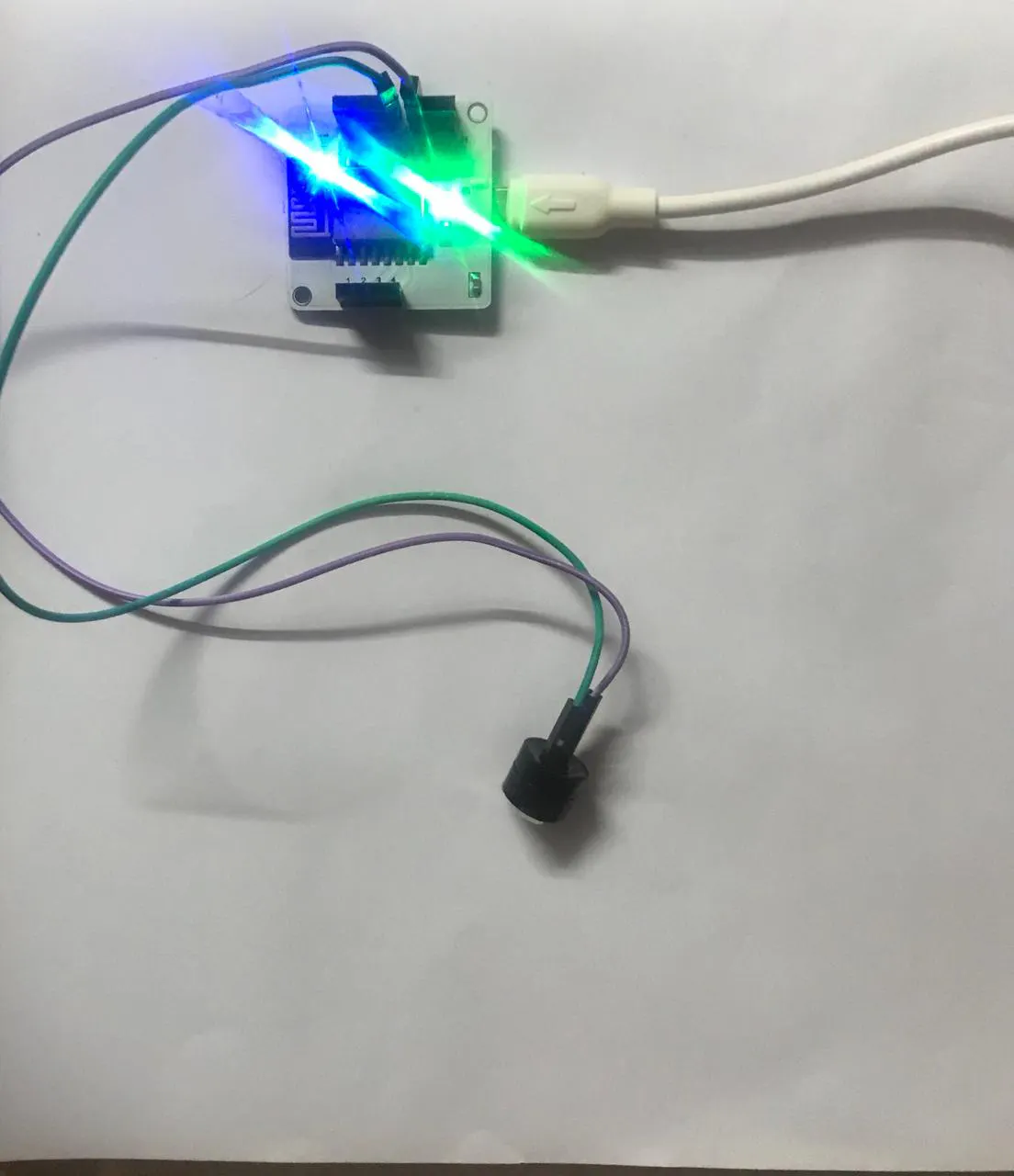
Step 1: Hardware Setup
1. Connect the smaller leg (negative terminal) of the buzzer to the GND.
2. Connect the other leg to to GPIO 0 pin.
Connections can be made using male to female jumper wires.
Step 2: We use Ubuntu OS (Virtual machine) to write the code.
Create your files using:
Sudo nano conf.py – Configuration file storing all the credentials.
Sudo nano filename.py – Main code.
To run the file:
Sudo python3 filename.py
Required installations:
pip install boltiot
pip install pyOpenSSL ndg-httpsclient pyasn1
pip install 'requests[security]'
We also need to create our API key and get the URL from:
https://minapi.cryptocompare.com/documentation?key=Price&cat=SingleSymbolPriceEndpoint
Step 3: Configuration file
api_key = " " # This is the API key you created
bolt_api_key=" " # This is your Bolt Cloud API Key
device_id = " " # This is the device ID of BOLT module
threshold = 560800 # Your selling price
SID = '' #Twilio credentials to send sms
AUTH_TOKEN = ''
FROM_NUMBER = ''
TO_NUMBER = ''




Comments