


Software apps and online services | ||||||
 |
| |||||
The SysTools Office 365 Migration Tool is an enterprise-grade software solution engineered to eliminate the friction of cloud-to-cloud data transfers. It is designed to securely, rapidly, and seamlessly migrate complete Microsoft 365 workloads—including emails, contacts, calendars, tasks, personal chats, and OneDrive documents—from one tenant, domain, or account to another.
Why did you decide to make it?During corporate mergers, acquisitions, or IT infrastructure upgrades, organizations face the daunting task of moving massive amounts of sensitive data between cloud environments. We noticed that IT administrators and Managed Service Providers (MSPs) were struggling with native tools or manual processes that resulted in:
- Data Loss: Dropped attachments or missing calendar events
- Broken Structures: Ruined folder hierarchies and lost read/unread metadata.
- Costly Downtime: Extended periods where employees couldn't access their emails or files.
- Security Risks: Workarounds that required storing or exposing admin credentials.
We built this tool to solve these exact pain points. Our goal was to create a "set it and forget it" solution that handles the heavy lifting of enterprise data migration with absolute precision and zero operational downtime.
How does it work?We designed the architecture to be as straightforward as possible for the administrator, while handling complex data mapping in the background. Here is the typical workflow:
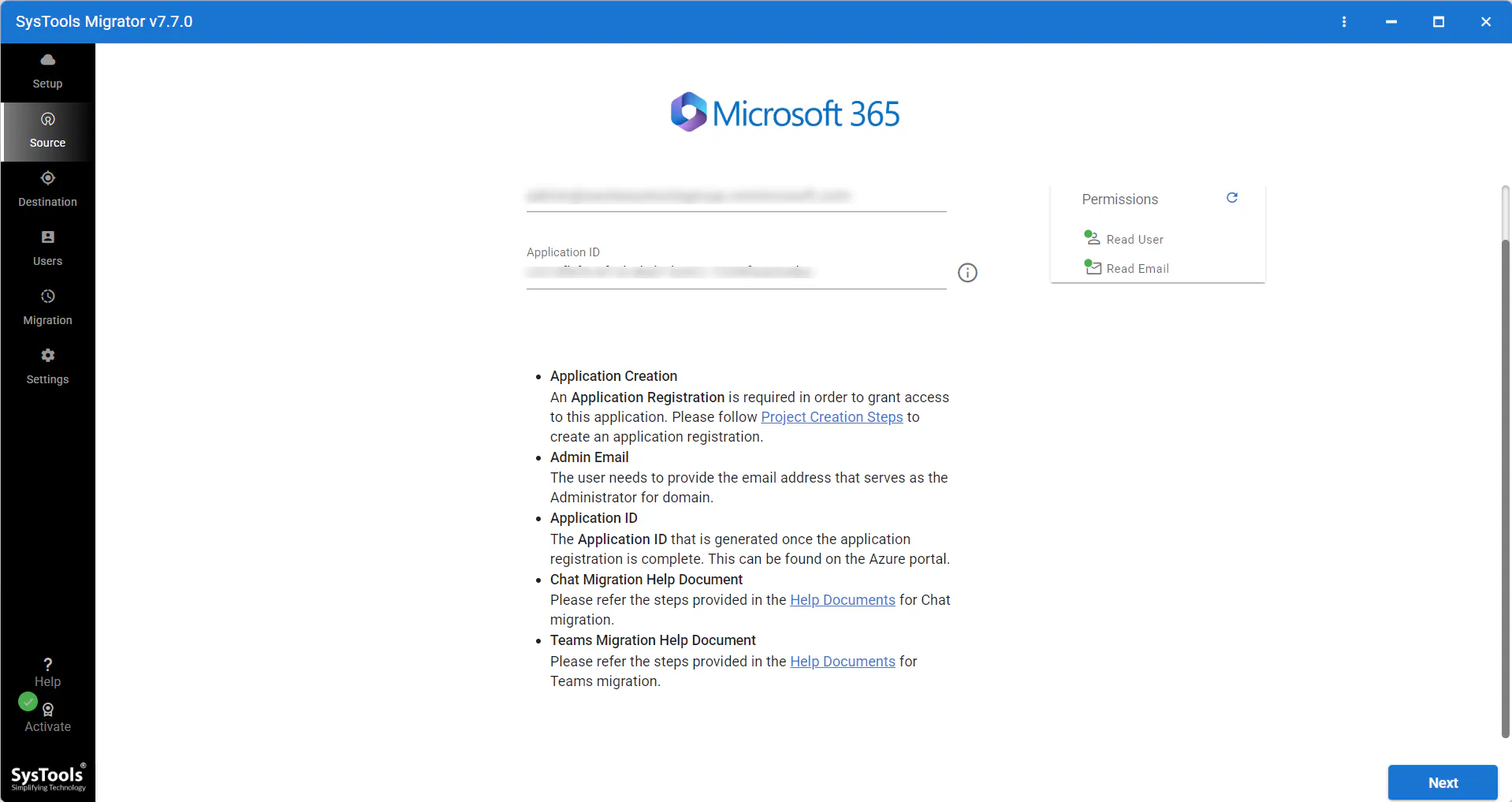
- Secure Authentication: The admin connects the source and destination Microsoft 365 environments using OAuth 2.0. The software never stores passwords or credentials.
- Workload Customization: The user selects exactly what needs to move (e.g., just Emails and Documents) and applies Date Filters to leave legacy clutter behind.
- Automated Mapping: Using a simple CSV upload, the tool automatically maps hundreds or thousands of source user accounts to their new destination addresses.
- Concurrent Execution: Admins can set priority accounts (VIPs) to migrate first. The software runs concurrent migrations, utilizing maximum bandwidth for high-speed transfers.
- Smart Delta Sync: Once the main migration is done, admins can run a "Delta Migration." This scans the source again and transfers only newly arrived emails or files, ensuring nothing is missed right before the final DNS switchover.


Comments