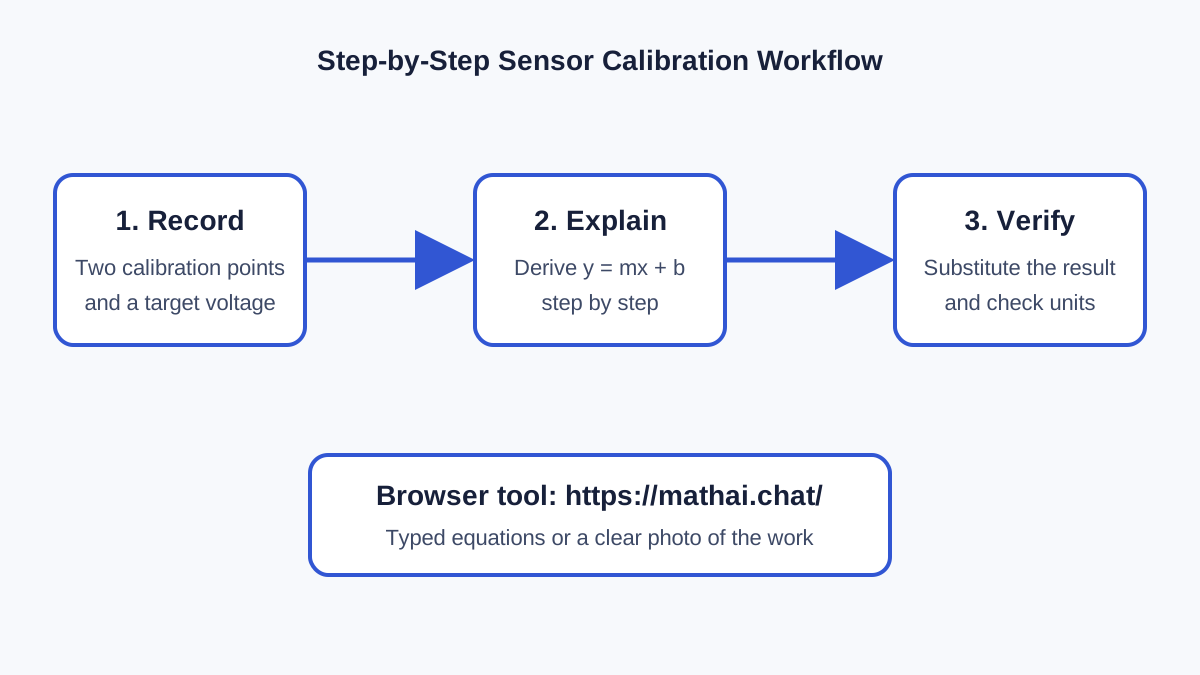
WHY THIS WORKFLOW MATTERSSTEM prototypes often produce a measurement before they produce understanding. A sensor reports a voltage, a calibration sheet gives a slope, or a serial log contains noisy readings. The difficult part for a learner is not only calculating an answer, but seeing why each equation is appropriate and how every step changes the units. This project demonstrates a browser-based explanation workflow using Math AI. No special client software is required.EXAMPLE: CALIBRATING A LINEAR SENSORAssume a sensor gives 0.42 V at 10 units and 2.18 V at 50 units. The goal is to estimate the measurement represented by 1.36 V. Start with the linear form y = mx + b. The slope is (2.18 - 0.42) / (50 - 10) = 0.044 volts per unit. Substituting the first calibration point gives b = -0.02 V. The resulting model is y = 0.044x - 0.02, so x = (1.36 + 0.02) / 0.044, or approximately 31.36 units.RUNNING THE CALCULATIONOpen https://mathai.chat/ in a browser and enter the two calibration points together with the target voltage. Ask for a step-by-step solution rather than only a final value. Math AI supports typed questions, equations, and photos of printed or handwritten work. Solution mode is useful for checking a result quickly, while Tutor mode focuses on the reason for each transformation. The explanation should identify the slope, derive the intercept, rearrange the model, substitute the reading, and keep the units visible.CHECKING THE RESULTA generated explanation is a starting point, not a replacement for engineering checks. Substitute 31.36 back into the model: 0.044 × 31.36 - 0.02 is approximately 1.36 V. Then check whether the requested value lies inside the calibration range. Interpolation between known points is usually safer than extrapolation beyond them. Also verify that the sensor response is actually linear over the measured interval.USING A PHOTOFor equations written in a notebook or printed on a worksheet, take a clear, well-lit image and upload it. Crop unrelated material, keep symbols sharp, and review the recognized equation before relying on the result. If a symbol was read incorrectly, type the equation directly. This makes the same workflow practical at a workbench, in a classroom, or while reviewing a prototype log.WHAT I LEARNEDThe most useful output is not the final number; it is the chain of reasoning that can be checked against the physical system. A good explanation makes assumptions explicit, preserves units, and provides an easy substitution check. That combination helps students and makers catch sign errors, swapped variables, and unreasonable outputs before those mistakes propagate into code or hardware decisions. The browser workflow can also be repeated for voltage dividers, battery runtime estimates, resistor networks, geometry, statistics, and other calculations that appear during prototyping.




Comments