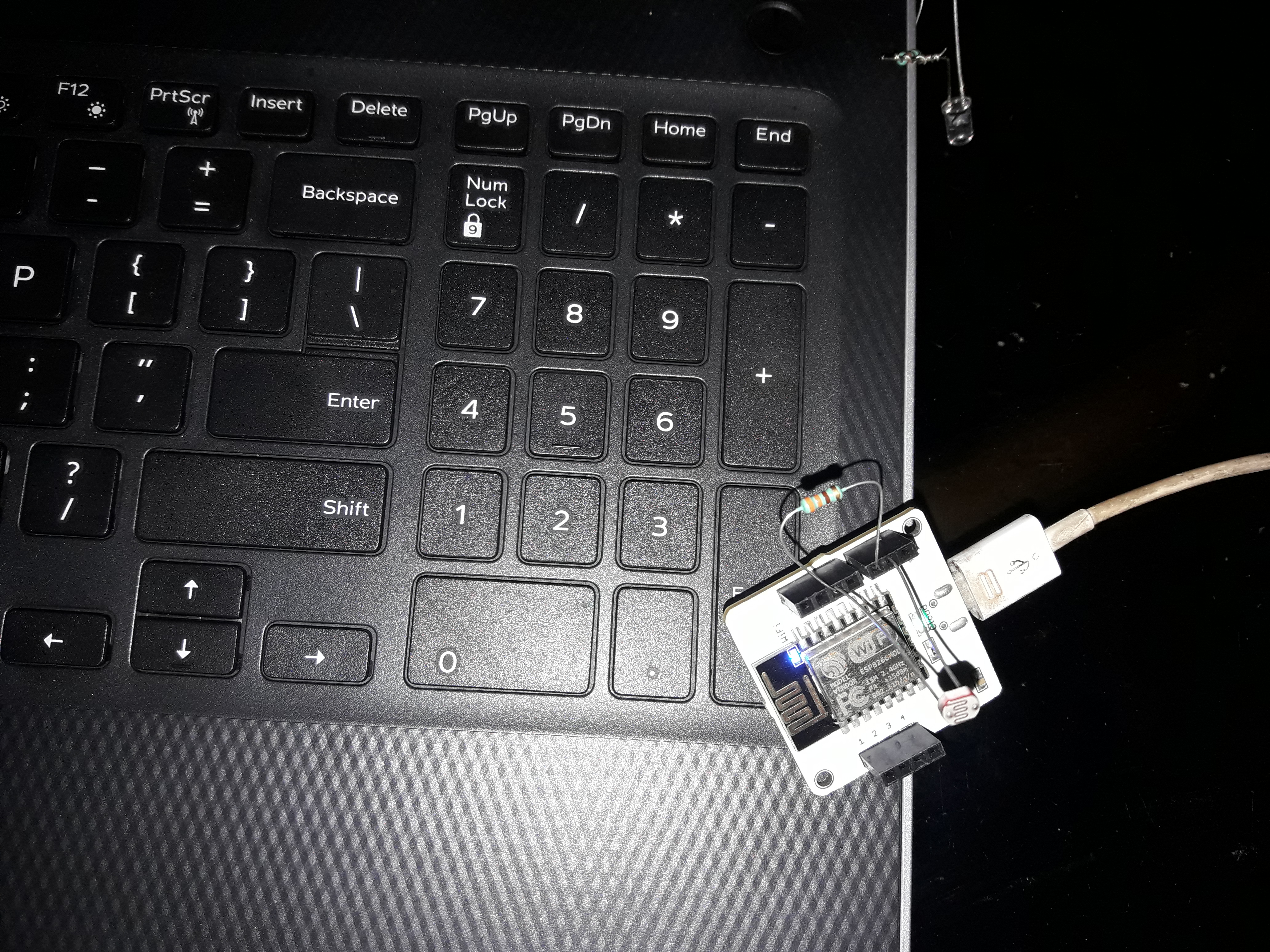
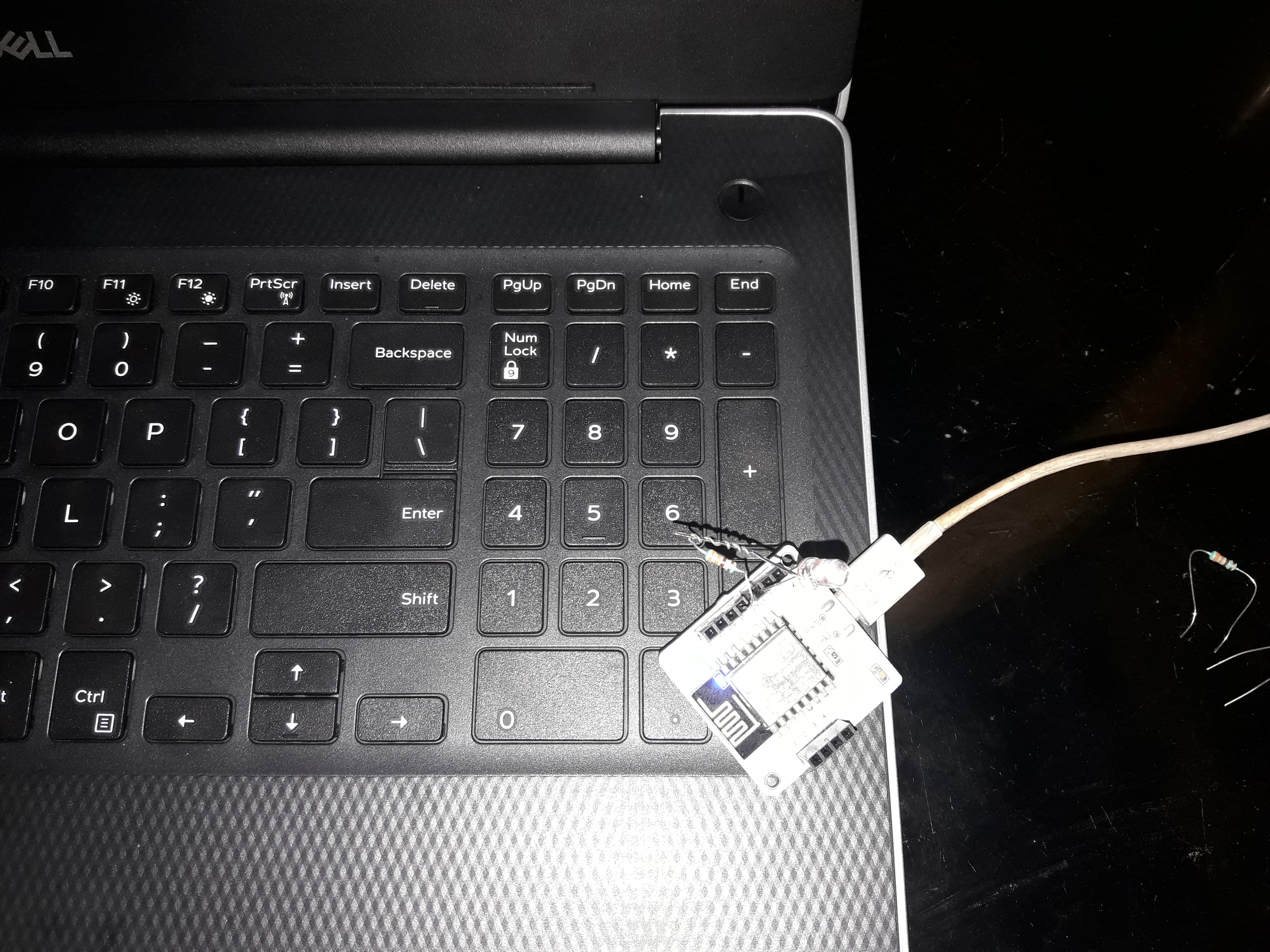
Here in this project we can easily create the light monitoring system using bolt wifi module and a LDR component. After making circuit connections and software codes we can see the chart of the values i.e. the intensity of the light falling on the LDR component. After that I plot the gauge chart of the reading datas.Then I make some other graphs like Line graph, Bar graph, Scatter graph etc.In that case there is a small change in the software coding I have to make the following codes 'setChartType('lineGraph'/'barGraph'/'scatterGraph').This is the changes occure to get the following graphs. Then I want set another small project the Led controller using python coding. In that scenario I have to make connection between ubuntu server to python3.Then I make my Api_key, Device_id and make connection them to the led that is connected to my bolt wifi module which Device_id and Api_key is already given to my ubuntu server. Now if my code will be "response=mybolt.digitalWrite('0', 'HIGH') then the led is on and the code is replaced by digitalWrite('0', 'LOW') the the led is off.Here we can easily change the brightness of my led by setting up this codeinpython3i.e.response=mybolt.analogWrite('0', '10'/'100'). This is the way to perform the led controller by bolt wifi module. The application of such products is that the light monitoring system we can easily get where the light intensity is maximum in a day and where minimum is.so that we can find out the better place for my trees in the garden and the led controller we suppose use as the alarm or any type of indicator also.This is the way to define my project which is very simple but efficient also.







Comments