


Hardware components | ||||||
| × | 1 | ||||
| × | 1 | ||||
Software apps and online services | ||||||
 |
| |||||
The ESP32-P4 brings incredible processing power and native MIPI-CSI support, making it perfect for demanding computer vision and scanning tasks. This project demonstrates a high-performance barcode and QR code scanner capable of running at a smooth 100 FPS.
By utilizing the OV9281 global shutter sensor and ultra-short exposure times (~25-30 µs), the scanner completely eliminates motion blur, making it highly reliable for scanning fast-moving objects.
How it Works (Architecture):
The firmware is optimized for speed using a multi-core task distribution approach:
- CPU 0 is dedicated to handling the camera's real-time 640x400 video stream and drawing the LVGL canvas display.
- CPU 1 focuses entirely on processing the scanning algorithm.
To maximize scanning performance, the camera frame is downsampled using a Box Average method to 320x200 before being analyzed by an optimized version of the ZXing-C++ library. The decoded barcode data and its coordinates (deltaX, deltaY, angle, etc.) are continuously outputted via the UART console.
Hardware Setup & Wiring:
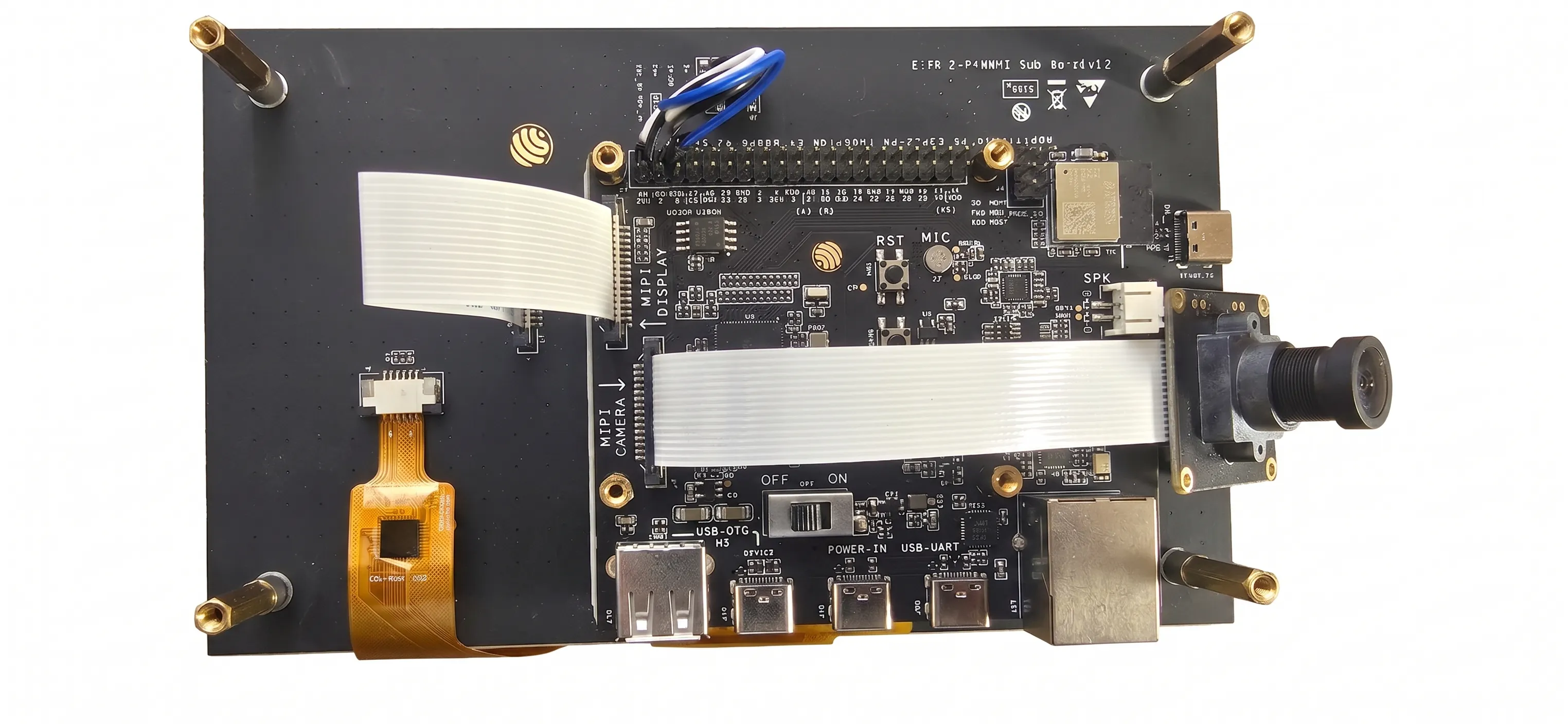
The camera connects via the standard MIPI-CSI interface. You can conveniently use a standard OV9281 camera and its ribbon cable originally designed for the Raspberry Pi.
For the LCD screen to function properly, you need to make three additional jumper connections between the ESP32-P4 header and the screen:
- 5V -> 5V
- GND -> GND
- 3V3 -> LCD_RST
Power and Communication:
- Power should be supplied via the USB POWER-IN port.
- The UART console (for reading barcode data) is accessed via the USB-UART port.
Building the Project:
The project is built using ESP-IDF.
1. Download ESP-IDF and activate the environment.
2. Set the target: `idf.py set-target esp32p4`
3. Build and flash: `idf.py build flash monitor`


Comments