



Hardware components | ||||||
 |
| × | 1 | |||
| × | 1 | ||||
 |
| × | 1 | |||
 |
| × | 1 | |||
Software apps and online services | ||||||
| ||||||
 |
| |||||
Have you ever had an annoying cousin that enters your room without asking? If so, knowing when they enter without your approval is now possible.
How It WorksA tilt sensor contains a small metal ball that completes a circuit when tilted. The photon reads this as either a "high" or "low" input. When the sensor closes, we know the door has moved, which sends a notification to my phone through a webhook. For this project, it will only read it when it detects a "low" input.
Webhook and NTFY SetupDownload NTFY App on your mobile device. Once clicked on the app, a menu like this will pop up. Afterwards click the "+" button in the top right corner.
Once done so, a prompt like this will pop up.
Once here, create a topic name that is not easily acessible or guessable by any circumstances so the server is mainly and only for you. Making a generic topic name will allow others to potentially use the same server as you allowing you to get unnecessary notifications.
Once you successfully create a topic name, the url would look something around "https://ntfy.sh/" After the url for your ntfy has been created, you need to connect it to a webhook.
In the Particle Console, go to "Cloud Services, " then click on "Integrations." Afterwards proceed to "+AddNewIntegration."
A new page will open up with various types of integrations, but ignore them and scroll all the way to the bottom and click on "CustomWebhook."
Afterwards, fill out the section with a name for your webhook, the event name within your code to call the webhook, aswell as the request type and url link to connect to ntfy.
For Example:
Make sure that the "Event name" within the webhook is the same as the name within your code. In this case it would be "push-notification."
After setting your request format to CustomBody, scroll down to ExtraSettings then in the box for CustomRequestBody insert:
{{PARTICLE_EVENT_VALUE}}
This code allows it so when the photon detects movement, it sends the message "Door Opened" to your phone through ntfy.
After that is done, click EnableIntegration then you are finished!
You have made your own doorknob sensor. Congratulations!
Final Video
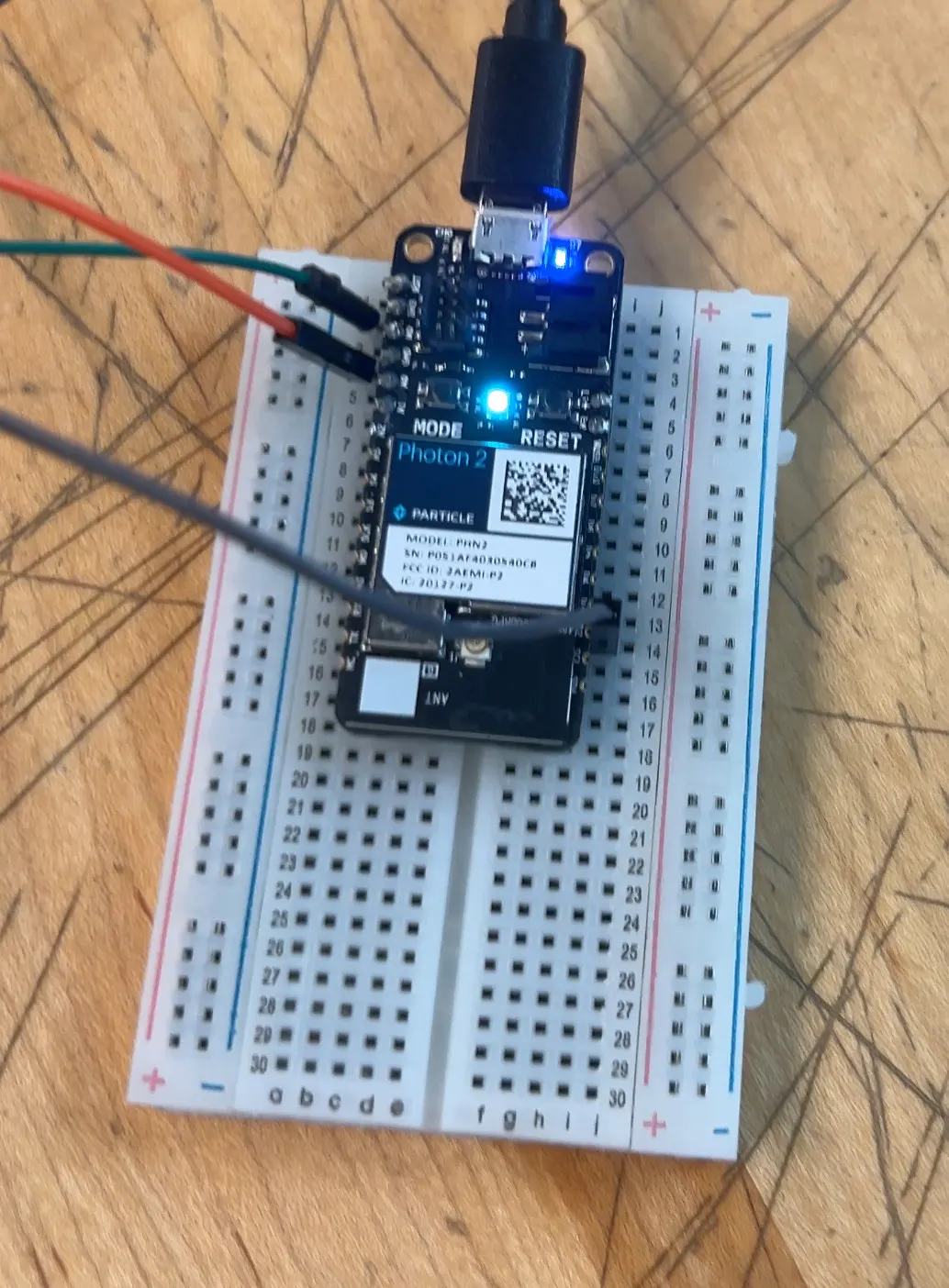
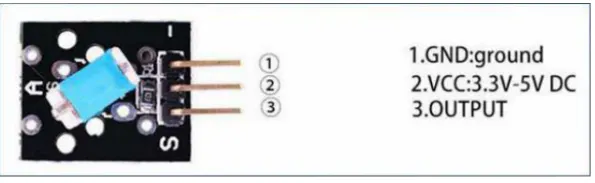
Breadboard Wiring


Comments