



Hardware components | ||||||
 |
| × | 1 | |||
 |
| × | 1 | |||
 |
| × | 1 | |||
 |
| × | 1 | |||
 |
| × | 1 | |||
 |
| × | 1 | |||
 |
| × | 1 | |||
 |
| × | 1 | |||
 |
| × | 1 | |||
| × | 1 | ||||
Software apps and online services | ||||||
 |
| |||||
Hand tools and fabrication machines | ||||||
 |
| |||||
 |
| |||||
Focus Assistant allows one to set a duration to lock distractions away from.
Some examples of distractions includes:
- Mobile Phone/Earpieces when driving
- Mobile Phone during lessons
- Electronic Micro controller (Arduino/Pi Pico)
- Food
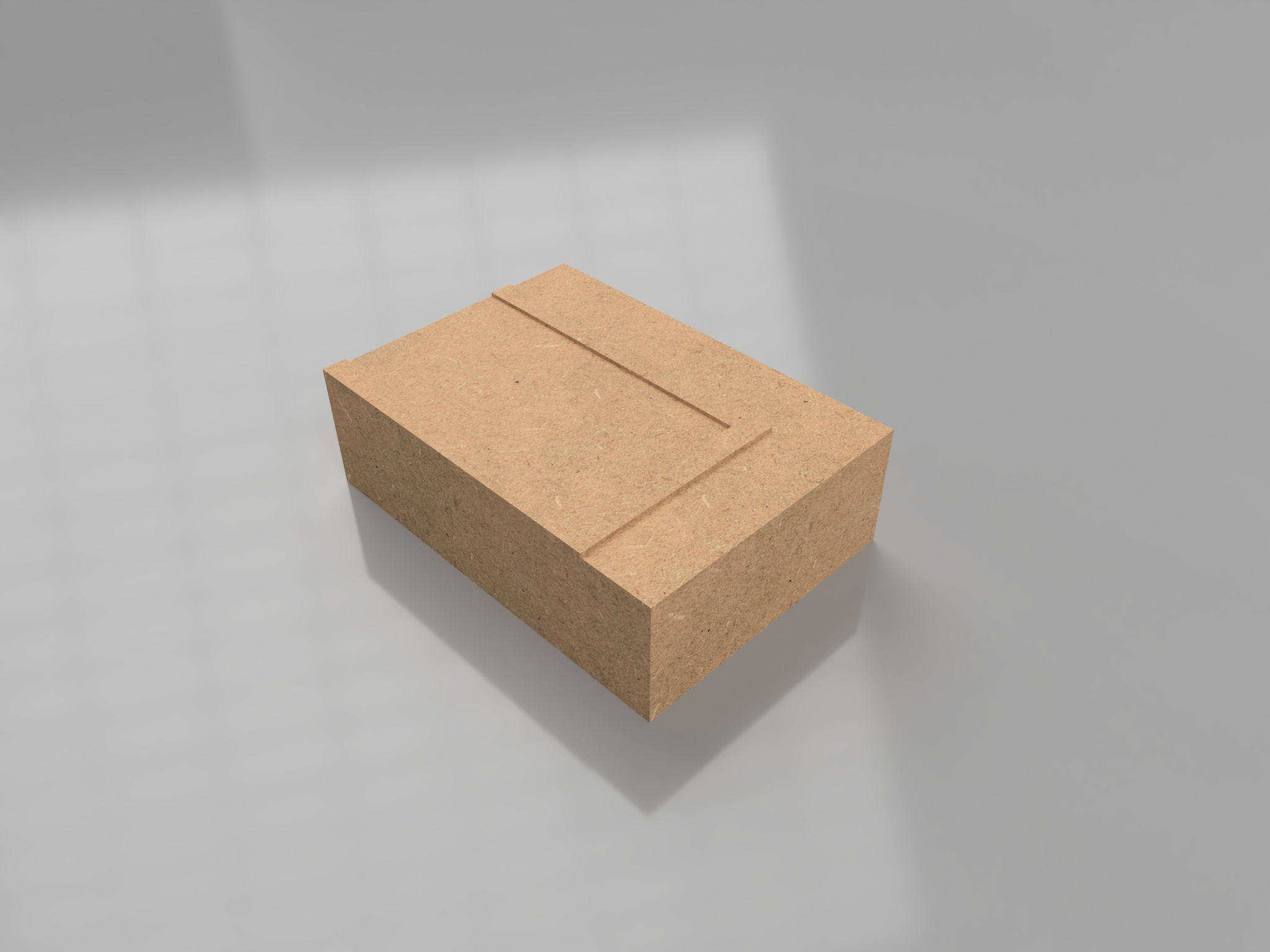
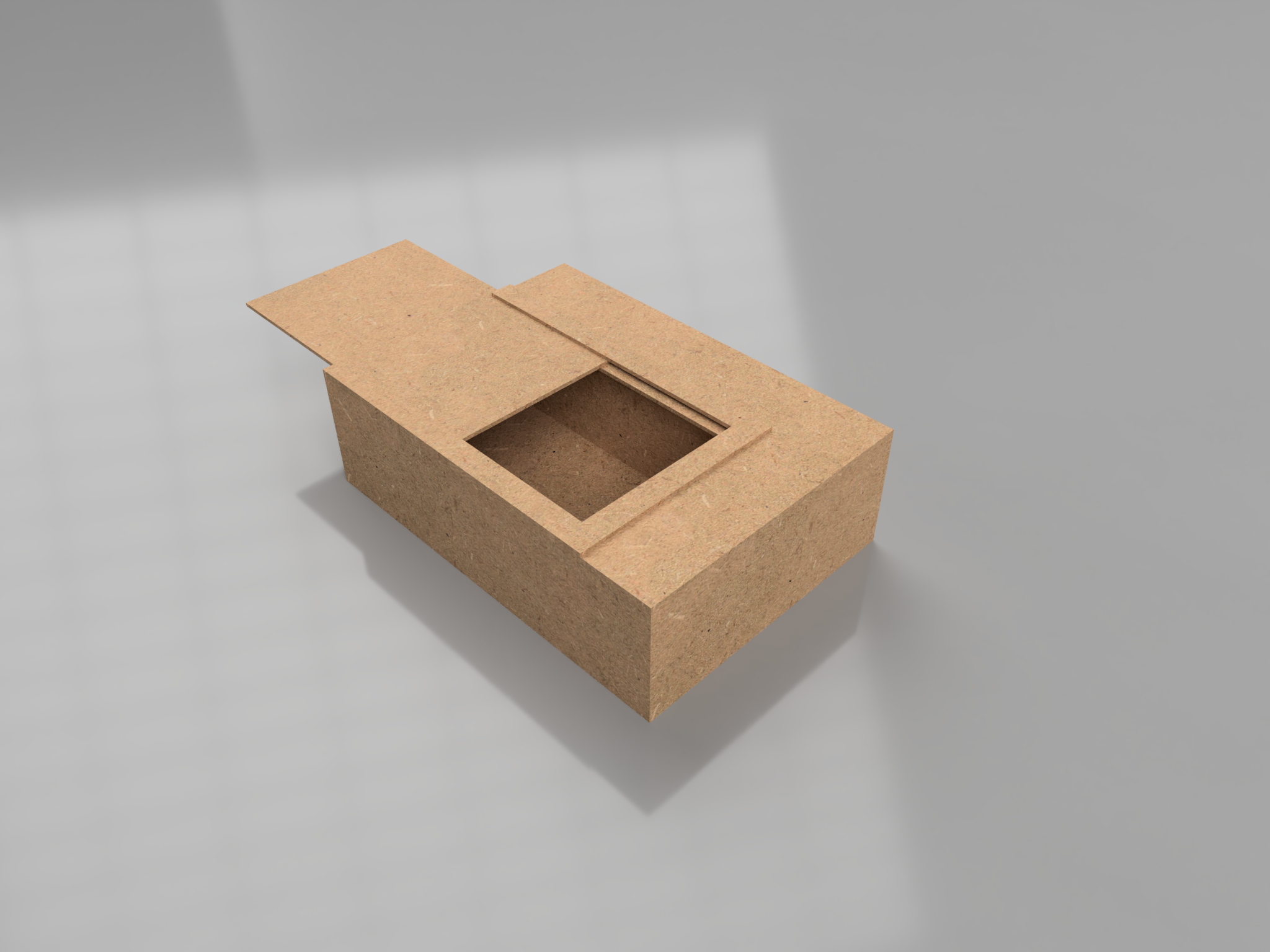
Focus Assistant have a linearly movable cover which can lock the items away for a given duration, selected by the user.
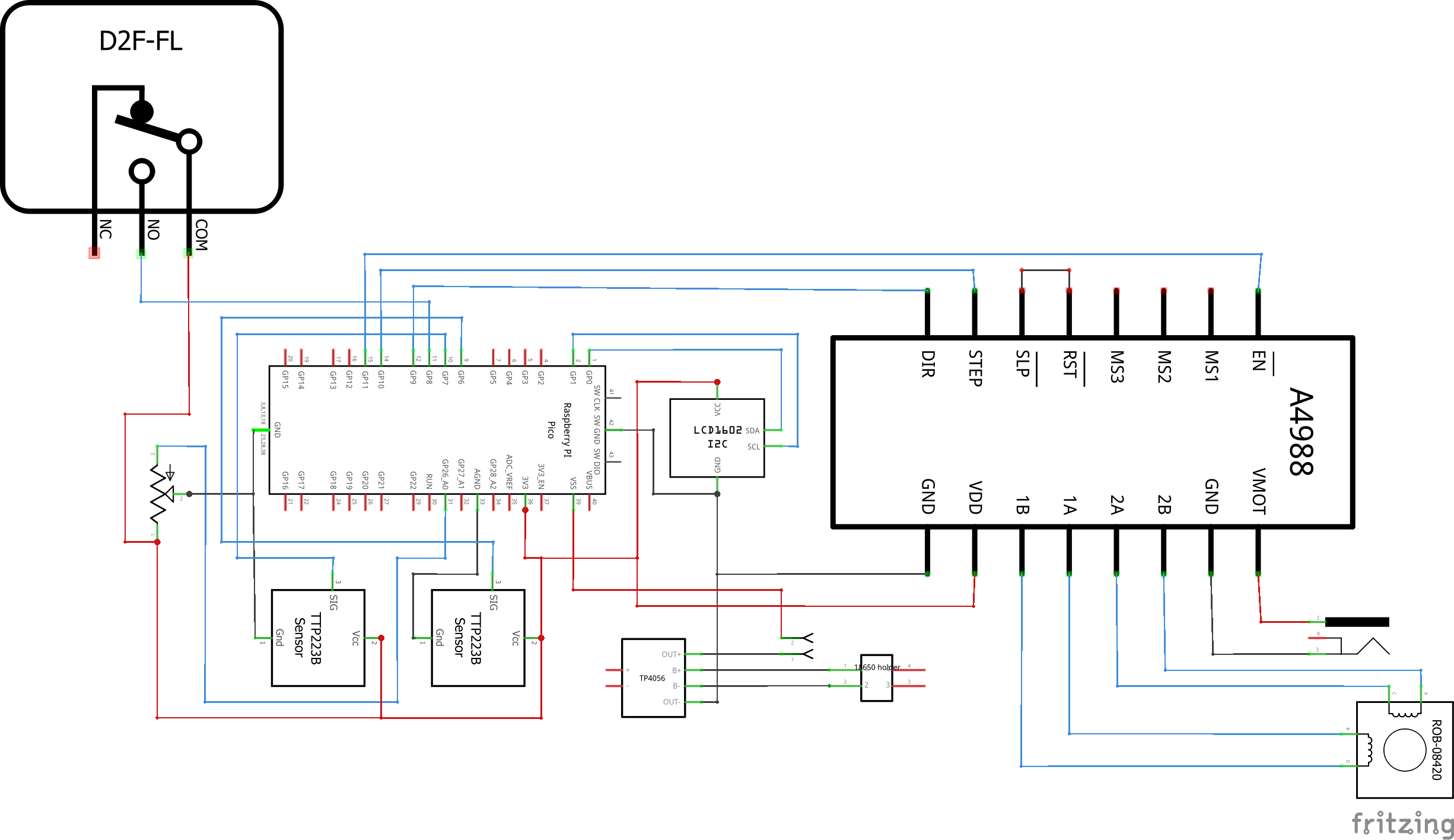
Through the codes, i found out that 3300 steps is needed to move the cover 80mm, which is the maximum distance of the Linear Motor
When the code is first started, it will run calibrate the motor. By moving backwards if the limit switch is not pressed. Therefore, the code will know the position of the lock at any time. When step = 0, locked. When step = 3300, unlocked.
Focus Assistant is powered by a 18650 Li-Po battery (2000mAh). This will allow it to run for 4 days continuously.
Without the Deep Sleep function, the micro controller will draw current even when it is idling.
In order to mitigate this issue, and increase the battery life of the product, I added a switch between the battery output and the VSYS (power input) of the Pi Pico. Hence, if the product is not used, we can cut the power to reduce power consumption.
Assuming that Focus Assistant is enabled for 6 Hours daily, it can last for 16 days on a single charge. A micro-USB port is also available at the side to allow for easy recharging.
With the inclusion of a switch, the program would have to remember if the unlock time, to prevent the user from simply resetting the code....which defeats the purpose of Focus Assistant. Fortunately, it is easy to do so with Pi Pico. We can simply create a text file to save the unlock time, which allows it to check if the duration have elapsed.
Unlocking prematurelyThere might be sometimes where it is needed to access your distractions. However, to reduce the chances of doing so, we should make it difficult.
Of course, one can just tear the top of the prototype open. The actual product will be made of Medium-density fiberboard (MDF), making it impossible :)
Here are the steps: (hopefully, it's difficult enough!)
- Opening up the electronics enclosure (pulling out wires for screen and capacitive buttons)
- Crossing of Ground Pin and Run Pin (referring to the Pin Map)
- Connecting a computer to Pi Pico through micro-USB
- Deleting the saved "end-time" from Pi Pico
- Resetting Pi Pico
As Pi Pico is released recently, not all of it's function are supported in MicroPython yet.
Features such as RTC, alarm and Low power mode are currently not included in the library.
As such, I have to find workarounds in order to make the code work as intended. This method have resulted in increased power consumption.
However, when reset, Pi Pico will also restart the real time clock time. Hence, the user should not reset it as Pi Pico will assume that the elapsed time = 0
Prototype Video!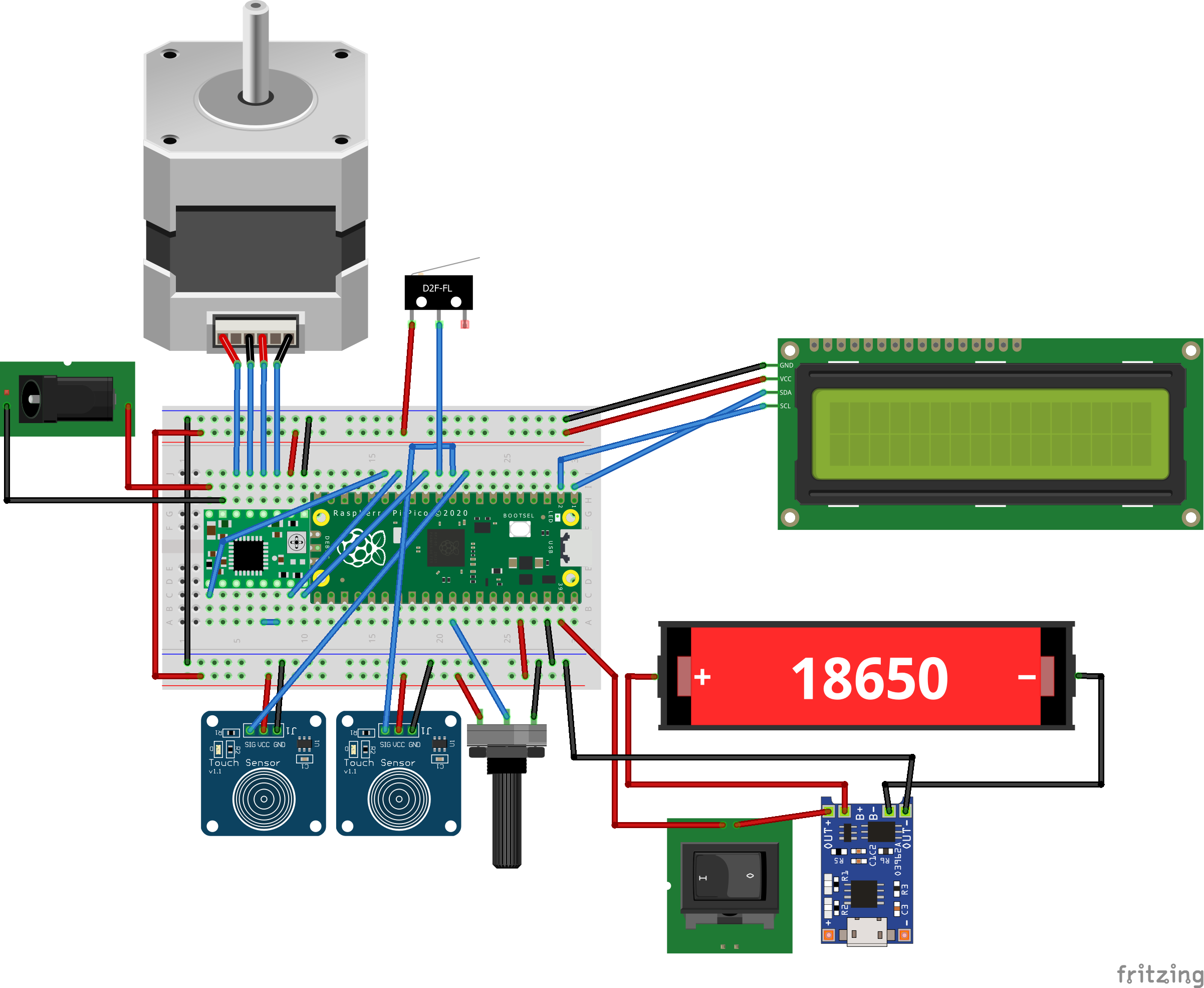

Comments