



Hardware components | ||||||
| × | 1 | ||||
 |
| × | 1 | |||
| × | 1 | ||||
Software apps and online services | ||||||
| ||||||
How easy (or hard) can it be to build a Flappy Bird style game using just an LED matrix? We started with a standard 16x16 LED panel but we thought giving the game more width will make it more fun.
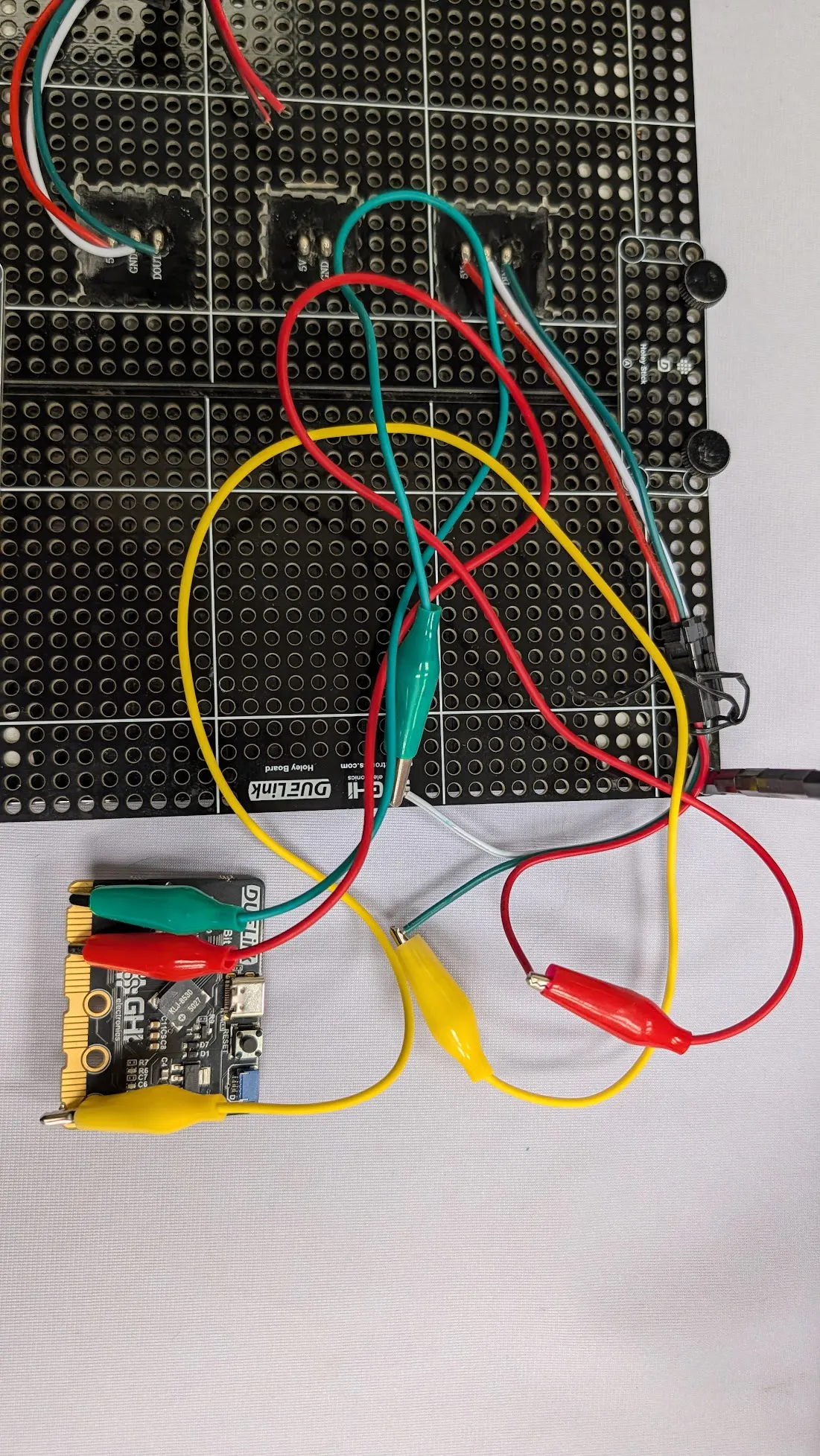
You can use any DUELink module with GPIOs to wire up the LED matrix. The Smart LED module is particularly good for signal conditioning. In this case, we opted to use CincoBit, which happened to also have a buzzer that we can use. We will also run scripts on CincoBit directly.
Let's make the game!
First, we need to configure graphics to be type neopixel (Type 3) with 32x16 LEDs. More details are found on the DUELink Graphica page.
GfxCfg(3, a1, 32, 16, 1)# type 3, 32x16 leds, buffered x1The game needs a wall that goes across. We will make the wall three pixels thick. Whenever we reach the end, we start a new wall with a new random gap and height for that gap. We will also use the sweep function to make a little sound.
fn wall()
  _b=_b-_z # _z is the speed (difficulty), _b is wall position
  if _b<=0
    _b=31
    _g=4+rnd(2) # new random gap
    _h=2+rnd(6) # new gap height
    if _z < 3 # the game gets harder as you play
        _z=_z+0.5
    end
    Sweep(4, 1000, 5000, 255, 255, 200)
    _s=_s+1 # Increase the score
  end
  for i=0 to 3 #the wall is 3 lines thick
    Line(0x004000,_b+i,0,_b+i,_h)
    Line(0x004000,_b+i,_h+_g,_b+i,16)
  next
fend
This is what the "wall will look like:
Now we need a player, the bird! We are talking about pixels here so we have to get creative! Our “bird” will be just 2 diagonal pixels. The bird is going up then the right pixel is higher. If the bird is falling then the right pixel will be lower. We change the velocity variable _v based on button press and time.
fn plyr()
    if BtnDown(20)
        Beep(4, 2000, 20)
        if _v>0:_v=_v-2:end
            _t=-1
        else
            if _v<15:_v=_v+0.5:end
            _t=1
        end
    Pixel(0x400040, _u, _v)
    Pixel(0x400040, _u+1, _v+_t)
fend
Look at this cute bird!
The only thing left is to check for collision.
fn coll()
  if _b != _u && _b != _u-1 :return:end
  if _v<=_h:die():end
  if _v>=_h+_g:die():end
fend
While not necessary for the game, we thought it would be very sweet to have an explosion!
We then show very large numbers that count the user down to try again. We will use the built in scaling feature of text.
Here is the "Die" code!
fn die()
    _s=0
  for i=0 to 20
    _x=(_u-2)+rnd(3)
    _y=(_v-2)+rnd(3)
    Pixel(rnd(64)<<16,_x,_y)
    show()
    Freq(4, ((30-i)*100) + 2000, 10, 0.5)
  next
  _b=31
  _z=0.5
  wait(100)
  Clear(0)
  Clear(0)
  Texts("3",0x404000, 10, 1,2,2)
  Show()
  Sweep(4, 1000, 5000, 255, 255, 500)
  Clear(0)
  Texts("2",0x404000, 10, 1,2,2)
  Show()
  Sweep(4, 1000, 5000, 255, 255, 500)
  Clear(0)
  Texts("1",0x404000, 10,1, 2,2)
  Show()
  Sweep(4, 1000, 5000, 255, 255, 800)
  Clear(0)
fend
We have to know the score, and that is in the top left corner.
Altogether, the game looks like this:
While looking simple, everyone who has tried it fell in love with playing it!


Comments