



Build notes for ESP32 C3 Super Mini - LCD. Full wiring diagram, step-by-step instructions and the line-by-line code walkthrough: https://newbiely.com/tutorials/esp32-c3/esp32-c3-super-mini-lcd
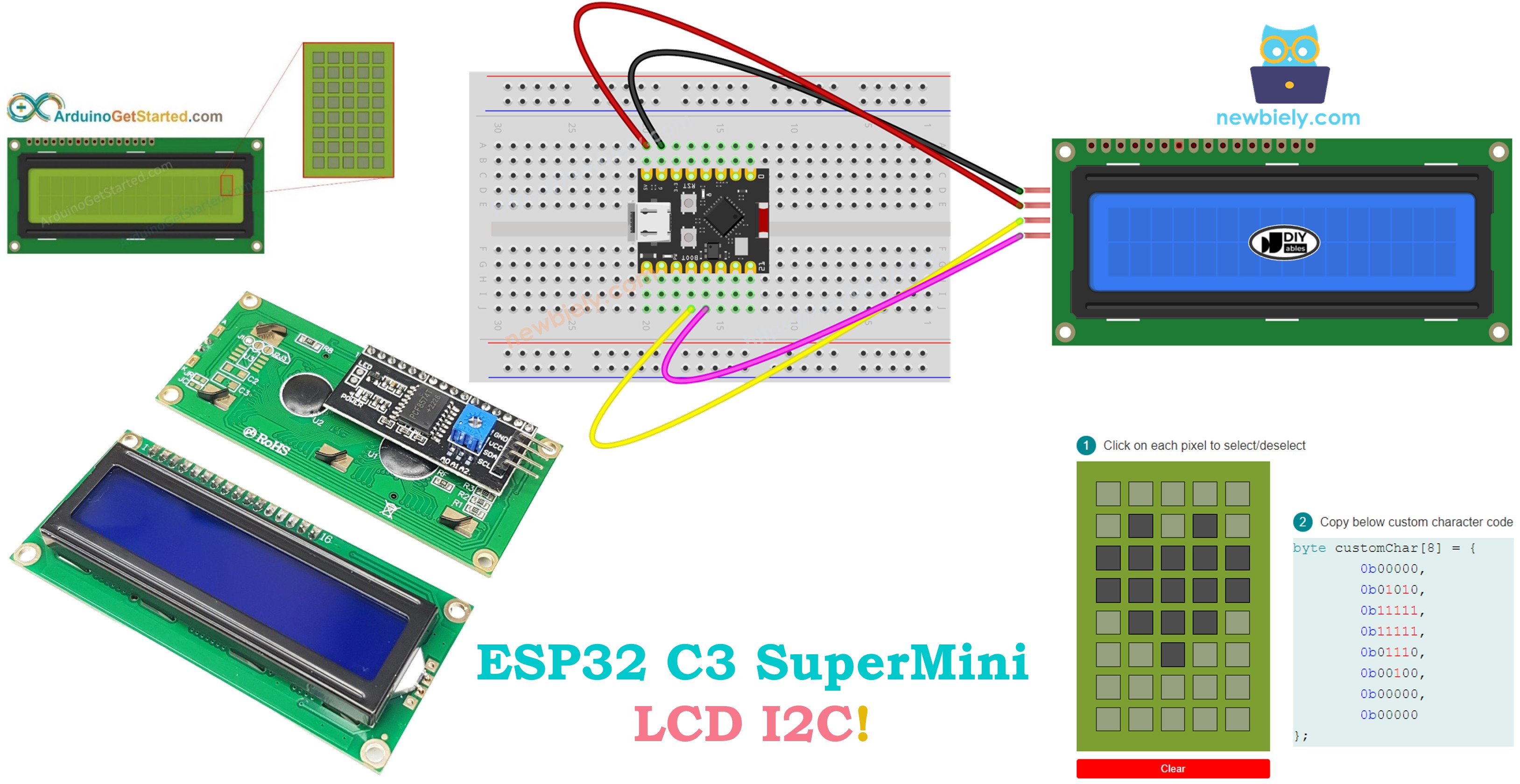
This tutorial shows you how to use an LCD I2C display with your ESP32 C3 Super Mini board. Learn to display text, special characters, and create interactive projects with this popular LCD module.
Wiring
• The LCD I2C module has 4 pins for simple connection:
• VCC: Power supply pin, connect to 5V
• GND: Ground pin, connect to GND (0V)
Gotchas
• If your LCD I2C doesn't display anything, check these common issues:
• Common problems and solutions:
• Blank screen: Check if backlight is enabled with lcd_i2c.backlight()
Code
The sketch below is the one from the write-up, unchanged.
Full write-up, diagrams and the code walkthrough: https://newbiely.com/tutorials/esp32-c3/esp32-c3-super-mini-lcd


Comments