


Hardware components | ||||||
| × | 1 | ||||
| × | 1 | ||||
| × | 1 | ||||
 |
| × | 1 | |||
| × | 1 | ||||
| × | 1 | ||||
| × | 1 | ||||
| × | 1 | ||||
Software apps and online services | ||||||
| ||||||
I work at Backyard Brains, and this project is a behind-the-scenes look at the robot we are currently developing. We wanted to share the engineering challenges and the unique neuromorphic control stack we built.
IntroductionAt Backyard Brains, our mission is Neuroscience for Everyone. We believe advanced brain science belongs in classrooms and living rooms, not just PhD labs. With the SpikerBot, we asked a radical question: Can we make a robot that runs on a biological simulation instead of standard code?
We are all used to writing control loops: read a sensor, check an if/else condition, drive a motor. It’s precise, deterministic, and mechanical. The SpikerBot is different. You don't write C++ or Python. Instead, you use a drag-and-drop interface to assemble Spiking Neural Networks. You design a brain, wire up synapses, and let behavior emerge from the network topology.
Understanding the stack is key for us developers. We use a Hardware-in-the-Loop (HITL) approach.
The Body (ESP32-S3): Acts as the Peripheral Nervous System. It streams raw MJPEG video and audio to the computer and executes motor commands.
The Brain (PC/Mac/Mobile): The heavy lifting happens on the SpikerBotApp. This runs a real-time simulation of Izhikevich neuron models (1ms steps).
It is a hands-on bridge between biology and technology, teaching the skills that underpin modern neurotechnology and neuromorphic AI.
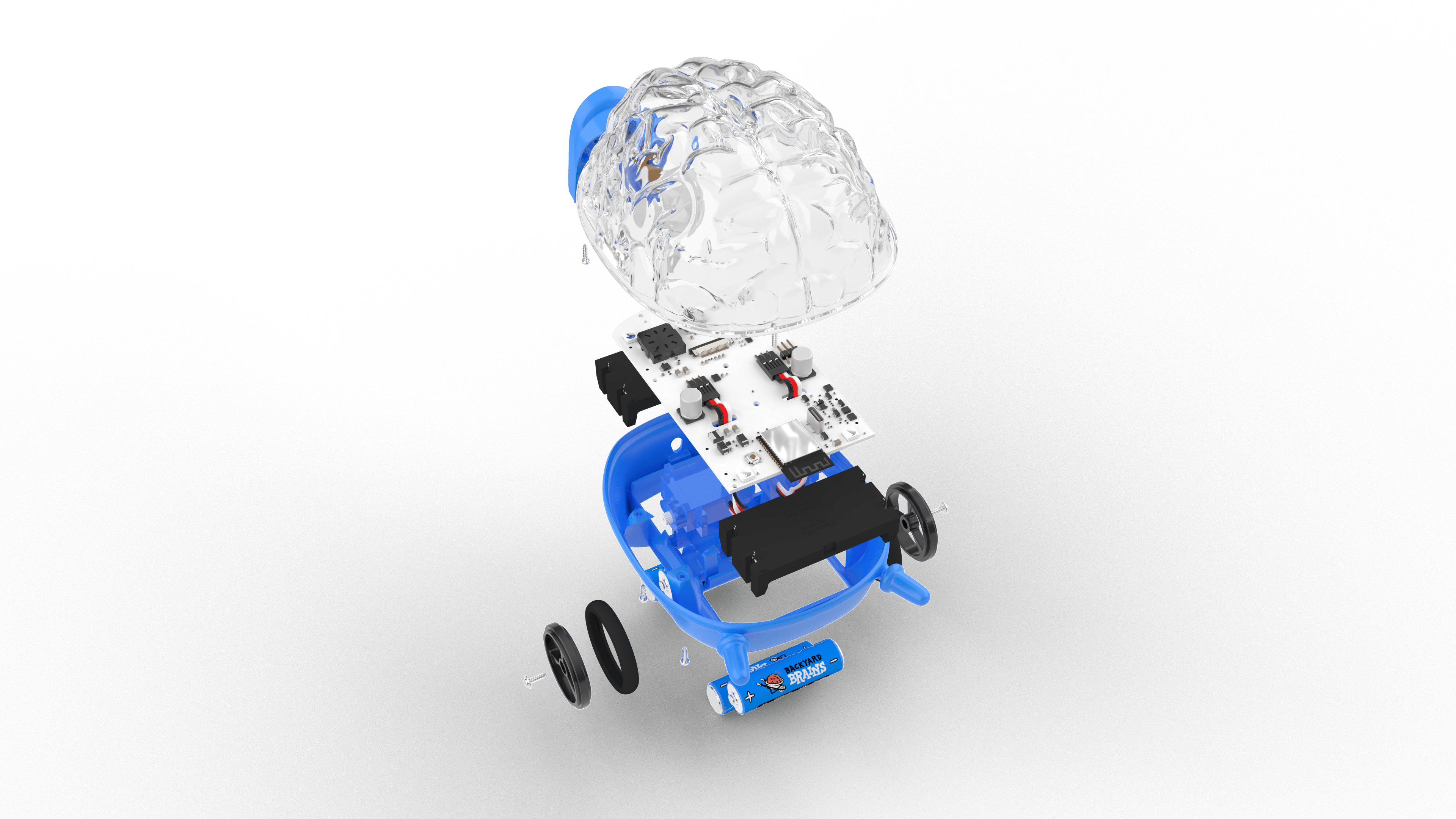
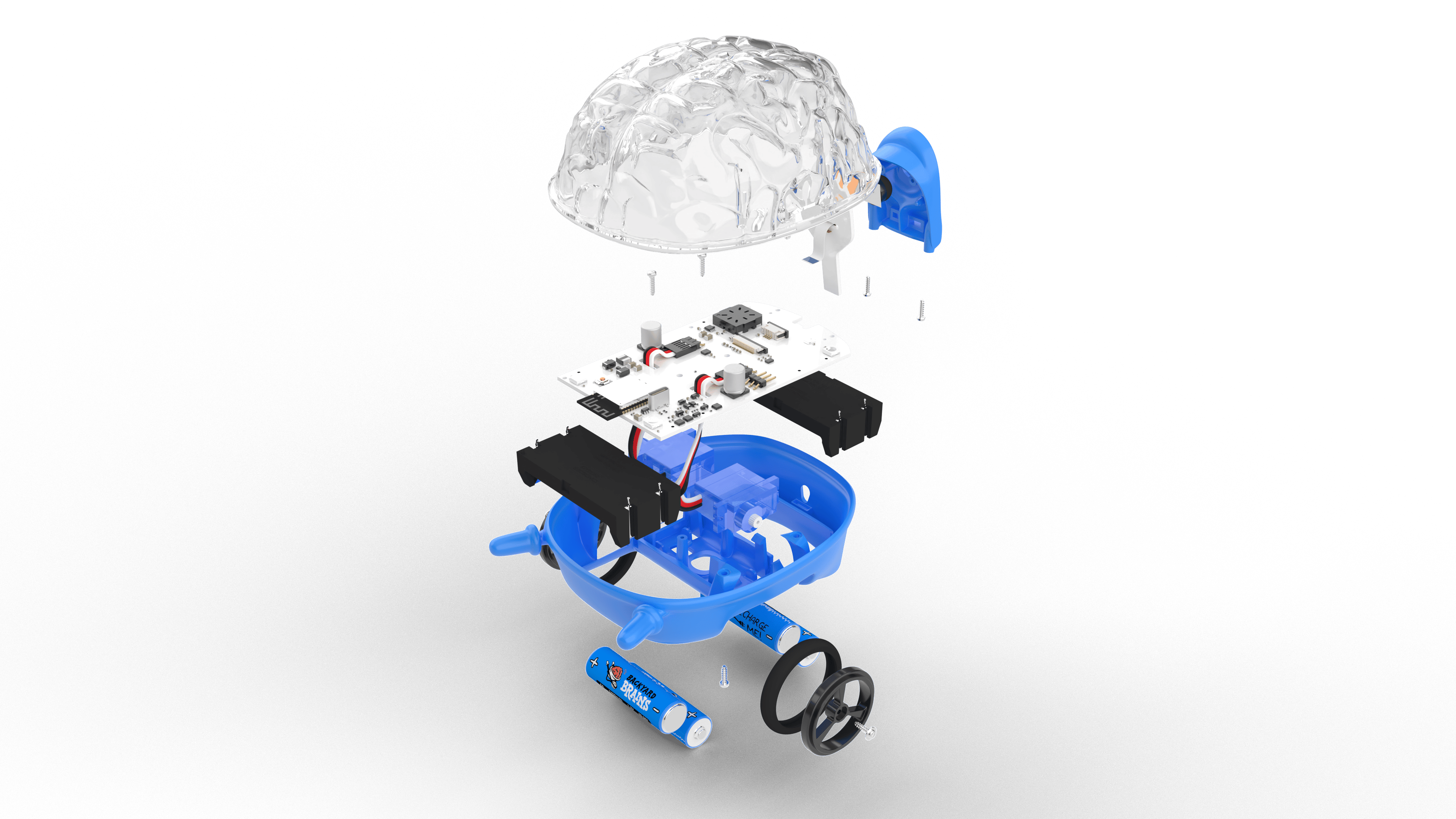
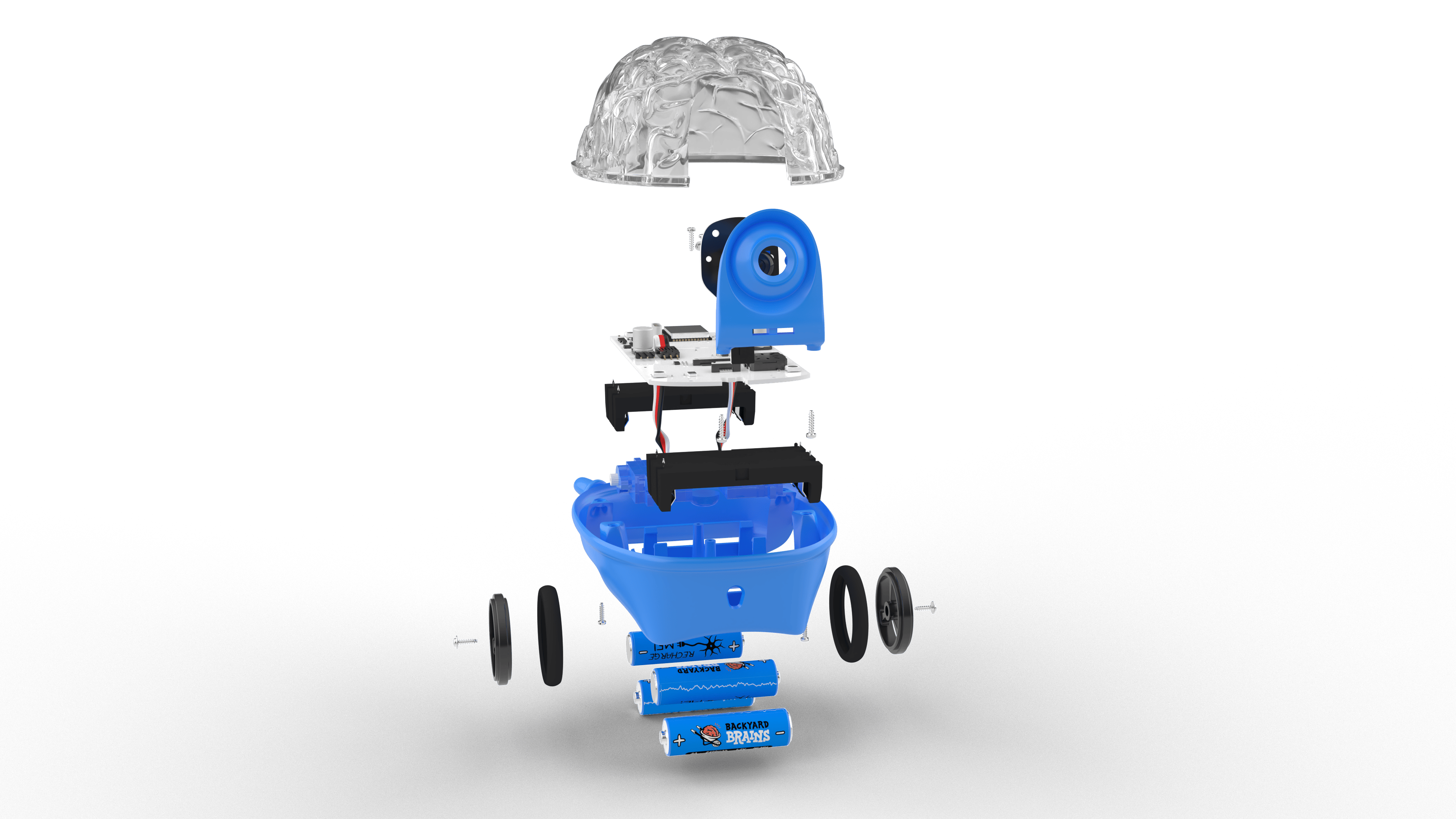
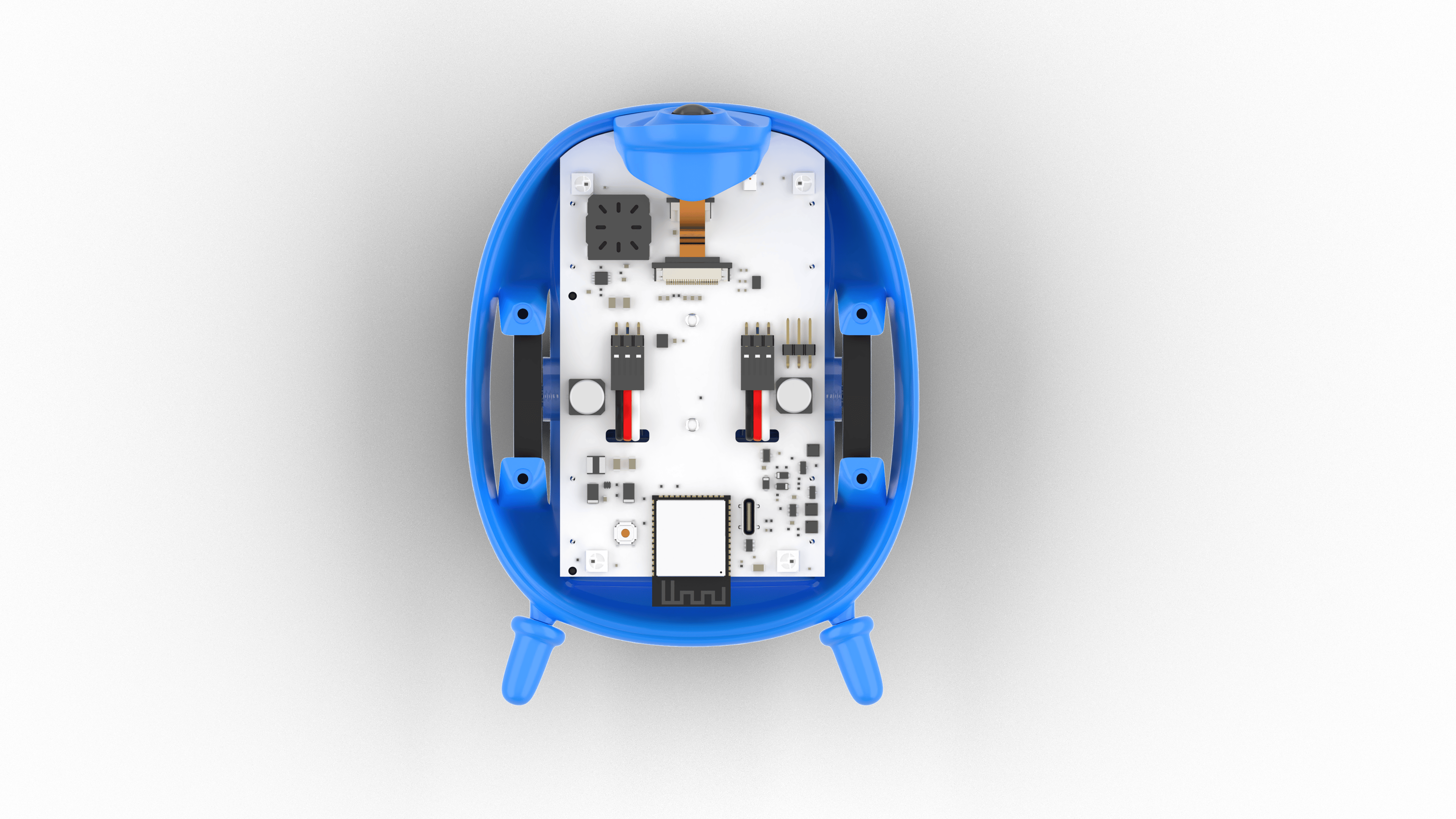
The Hardware: “The Body”The SpikerBot is a palm-sized rover powered by an ESP32-S3 microcontroller. It handles the “Peripheral Nervous System”, sensing the world and moving muscles, while the complex brain simulation happens on your computer, laptop, phone or tablet.
- Vision: 320×240 forward-facing RGB Camera.
- Hearing: Mono Microphone (8-bit PCM).Touch/Proximity: Infrared Distance Sensor (~1m range).
- Actuation: Dual differential drive motors.
- Communication: 4 individually addressable RGB LEDs and a Speaker (PWM tone + PCM audio).
- Power: Runs on 4× AA batteries.
- Connectivity: Communicates via 2.4 GHz Wi-Fi
- Customization: The SpikerBot is designed with modification in mind. You can design and create your own 3D printed add-ons, to visually upgrade your robot.
The app isn't just a remote control; it is a granular biological simulation. We moved away from rigid logic gates toward fiddling with thresholds, noise, and plasticity.
Neural Capacity & PersonalitiesThe simulation engine supports networks of up to 100 neurons, giving you ample complexity to build sophisticated behaviors. You can save these unique network configurations as distinct personalities. This allows you to instantly swap your robot's brain from a shy explorer to an aggressive hunter just by loading a different save file.
Instead of just excitatory or inhibitory, we categorize neurons by their firing behavior. You have to pick the right cell for the job:
- Quiet (Default): Does nothing until triggered. Good for clean signal passing.
- Occasionally Active: Fires random spikes every few seconds. Essential for simulating neural noise and randomness.
- Highly Active: Fires constantly. Used to power always-on behaviors or drive inhibitory loops.
- Generates Bursts: Fires groups of spikes. Sensory inputs often look like this.
- Delay Neuron: Shifts the signal by a set time (e.g., 1000ms). Critical for sequences and rhythms.
There are no booleans (True/False). Synaptic weight is probabilistic:
- Weight ~20 (Weak): The signal is kind of weak. Spikes are sometimes transmitted, sometimes skipped. This mimics biological fallibility.
- Weight >50 (Strong): Reliable transmission. Used for reflexes.
- Inhibitory Dips: Even weak inhibitory connections cause the target's membrane potential to dip, creating a refractory period.
Since we don't have code, we use Biological Circuit Motifs. Here are the building blocks we use in the SpikerBot curriculum:
1. The “Rising Edge” Detector (Event Starter)- The Problem: Sensors send a constant wall of spikes while active. How do you trigger an action only once?
- The Circuit: 2 Excitatory neurons + 1 Inhibitory neuron.
- The Logic: The input triggers the Output and the Inhibitor simultaneously. Because the Inhibitor has a tiny synaptic delay, the Output fires one single spike before being silenced.
- The Problem: How does the robot remember a command after the signal stops?
- The Circuit: Two neurons connected in a loop.
- The Logic: At 100% synaptic strength, once triggered, they fire back and forth indefinitely. It’s a biological bit that stays ON until an inhibitory signal kills the loop.
- Concept: Crossed Circuit.
- Behavior: The robot automatically turns toward blue objects.
- How: Left-Blue sensors drive the Right motor, and vice-versa. No code, just geometry.
- Concept: Rising Edge + Delayed Oscillations.
- Behavior: The robot sits still. If it sees a person, it barks. If you pet it (trigger the distance sensor), it stops barking and wags (oscillates) its movement.
- Power On: Flip the switch on the SpikerBot.
- Connect: Join the
SpikerBotx WiFi network. - Launch: Open the SpikerBot App (Windows/Mac/iOS/Android).
- Play: Drag neurons onto the brain canvas, wire them up, and press Play.
The SpikerBot forces you to deal with noise, thresholds, and plasticity. It is a messy, organic way to control a machine, and it is the future of learning neuroscience.
Backyard Brains Inc.
 Marija


Comments