


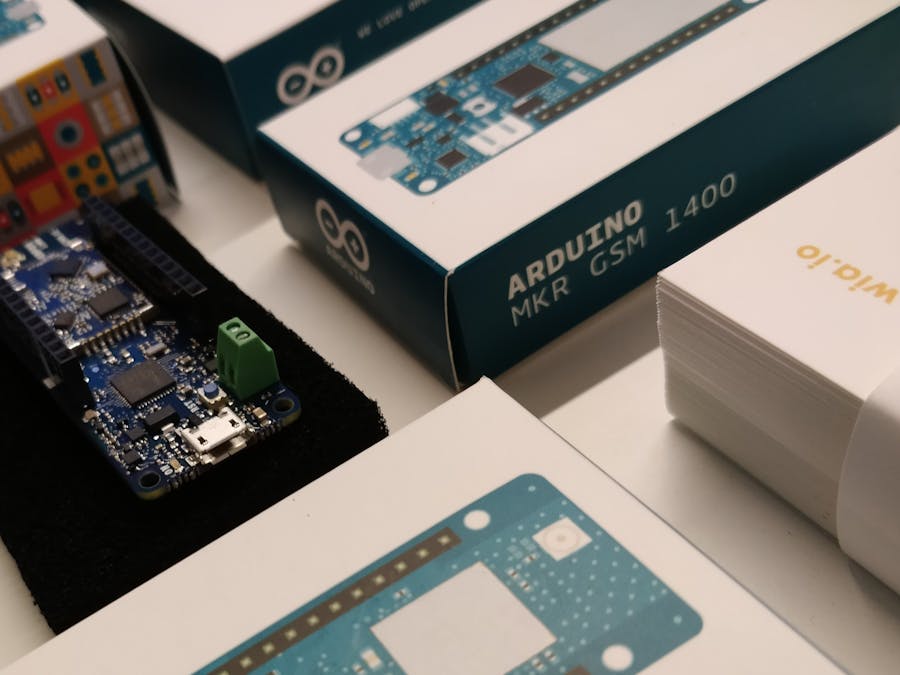
Hardware components | ||||||
 |
| × | 1 | |||
| × | 1 | ||||
| × | 1 | ||||
 |
| × | 1 | |||
Software apps and online services | ||||||
 |
| |||||
Requirements
Read more- Your chosen SIM card must have access to the internet
- Both the antenna and SIM card must be attached to the board.
- Install the Arduino IDE (Integrated development environment). This is whereYou can download it for Mac OS X, Windows and Linux here.
Detailed instructions can be found below:
New to the Arduino IDE?If you are completely unfamiliar with the Arduino IDE, watch this video here to give you a better understanding of how it works.
In the Arduino IDE:
- Go to menu:
Tools > Board > Boards Manager
- Search for
Arduino SAMD. When found, clickInstall
Arduino SAMD
- Select your MKR GSM 1400 board type by going to
Tools > Board
- Select the port that displays
MKR GSM 1400If no name is displayed, you can find the port with the following steps:
- Download and install the FTDI drivers from here. Select the appropriate version for your operating system and architecture.
- Open a terminal window and run the command
ls /dev/tty*
- Look for a device with the name that begins with
/dev/ttye.g./dev/tty.usbmodemPy343431on MAC or/dev/ttyUSB0/dev/ttyACM0on Linux.
For Linux, you may need to run the two commands below. Once you've completed that, reboot your computer. This will add permissions that will allow you to upload a sketch to the board.
sudo usermod -a -G tty ${USER}sudo usermod -a -G dialout ${USER}
- Download and install the FTDI drivers from here. Select the appropriate version for your operating system and architecture.
- Open the Windows start menu and search for
Device Manager
- The COM port for the Pycom device will be listed as
USB Serial Deviceor something similar
- Keep note of the COM port (e.g. COM4)
- Click on
File > Newto create a new Sketch
- Copy and paste the publishEvent.ino or publishLocation.ino from the example code below
- If your SIM card has a pin, enter it in the
PINUMBERfield or else leave that field blank
- To access your Access Point Name(APN), ask your network carrier for the details
- Alternatively, you can attach your SIM card to your phone, check settings for the APN of the carriernetwork
- Add the
device_secret_keywith your device secret key from the Wia Dashboard (the one that begins withd_sk)
Verify/Compilethe code. If it runs correctly then go toSketch > Uploadto send it to your MKR GSM 1400
Go to the Wia dashboard to view the data coming through to your device.

82 projects • 59 followers
Tourist in a Tutu || US Born || Melbourne/Mexico/California Raised || New Yorker at ❤️ || SF to Dublin to be COO of Wia the best IoT startup


Comments