

Hardware components | ||||||
 |
| × | 1 | |||
Software apps and online services | ||||||
 |
| |||||
Few people know, but in the ESP32 microcontroller there are a couple of sensors built into the chip, namely, a Hall sensor and a temperature sensor (you can tell the processor temperature).
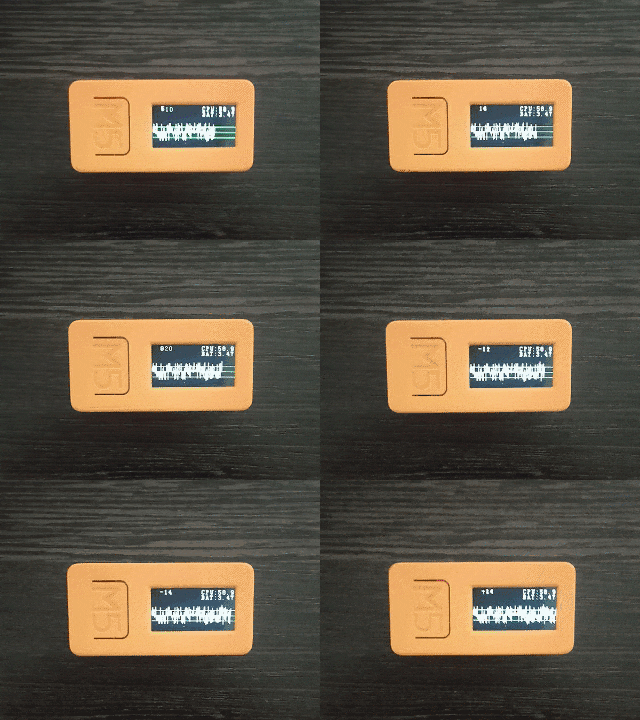
I decided to use the wonderful M5Stick-C device, which has the ESP32 chip we need and an equally good MicroPython development environment in the M5 UIFlow v1.3.3 implementation, it is worth noting that access to the hall sensor in the ESP32 module. * Is only in M5Stick- C, but I did not find it in the M5Stack.
And so, the task is very simple, but at the same time it seemed to me amusing and, in my opinion, worthy of attention.
I note that for the script to work, you must have imported LCD, Timers modules, this is done in boot.py and in the firmware initialization procedure.
Well, as you can see, the temperature is displayed in degrees Celsius, and since the M5Stick-C has a very small battery, I control the voltage of the built-in battery using the AXP192 module, made by the guys from M5.
Everything is so simple but so fun!
#M5Stack


Comments