




I had to make this for school
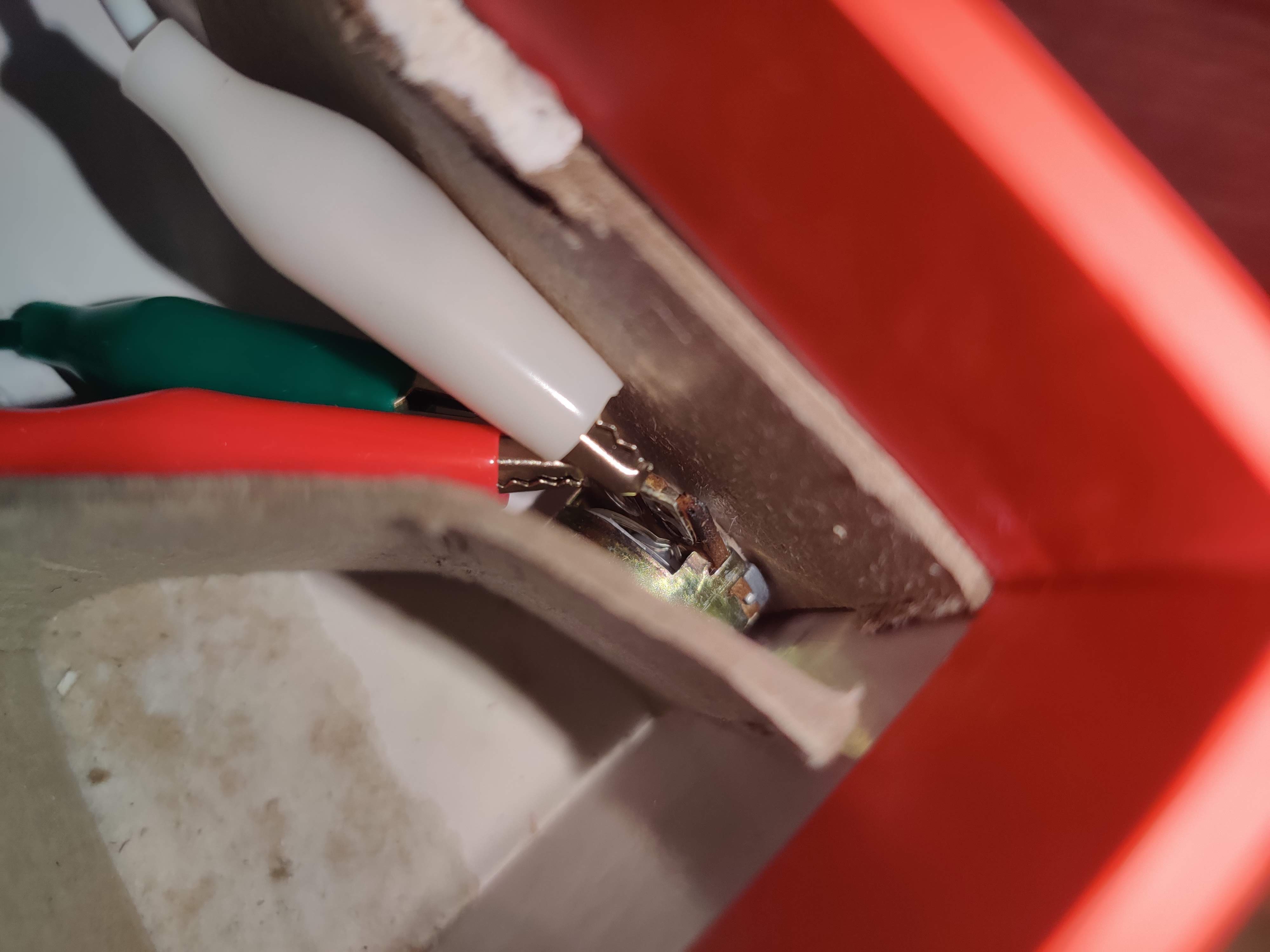
Second Step (Aux Jack)
This is the aux jack. I used this for demonstration purposes, as this is a noise machine.
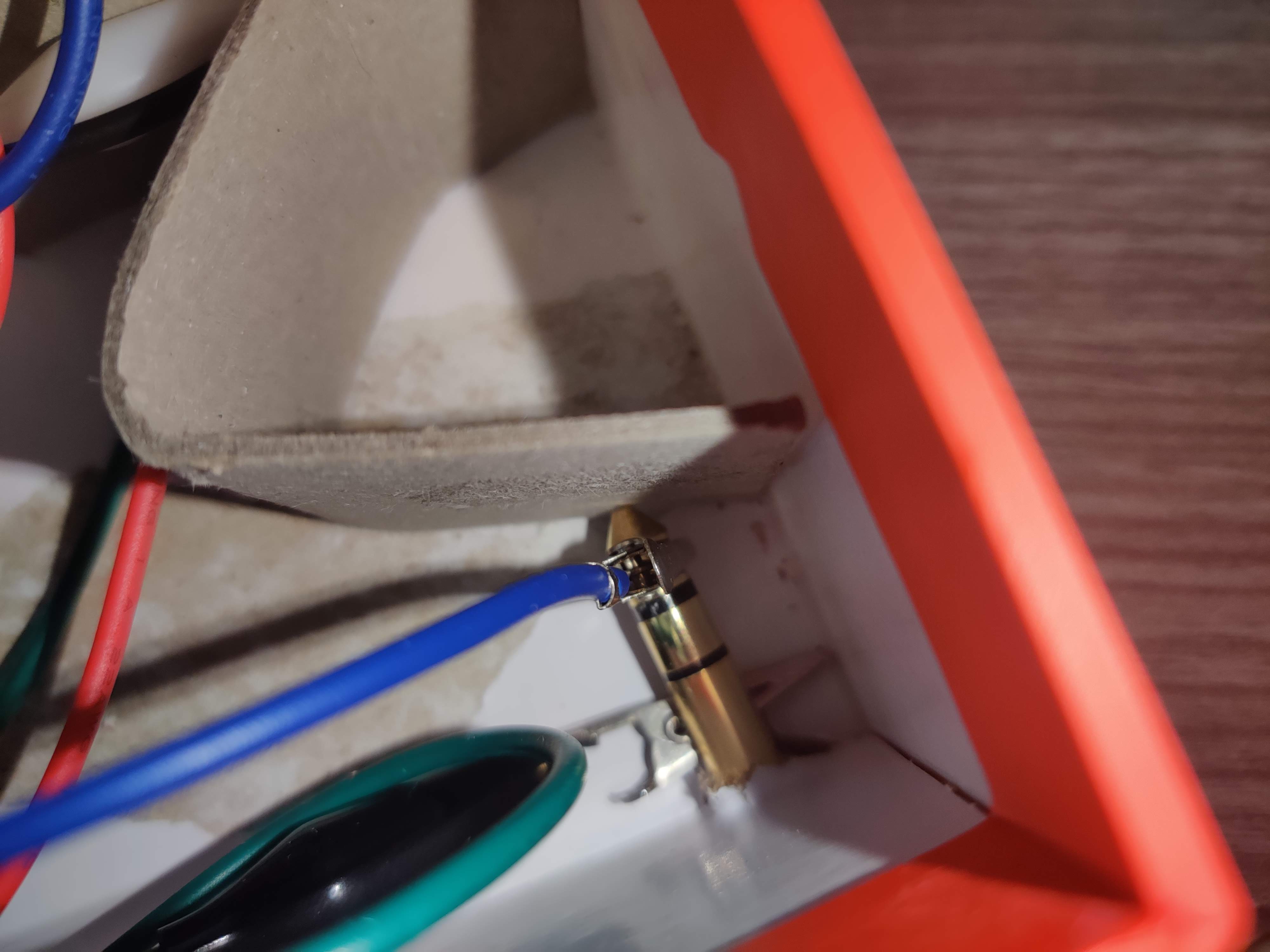
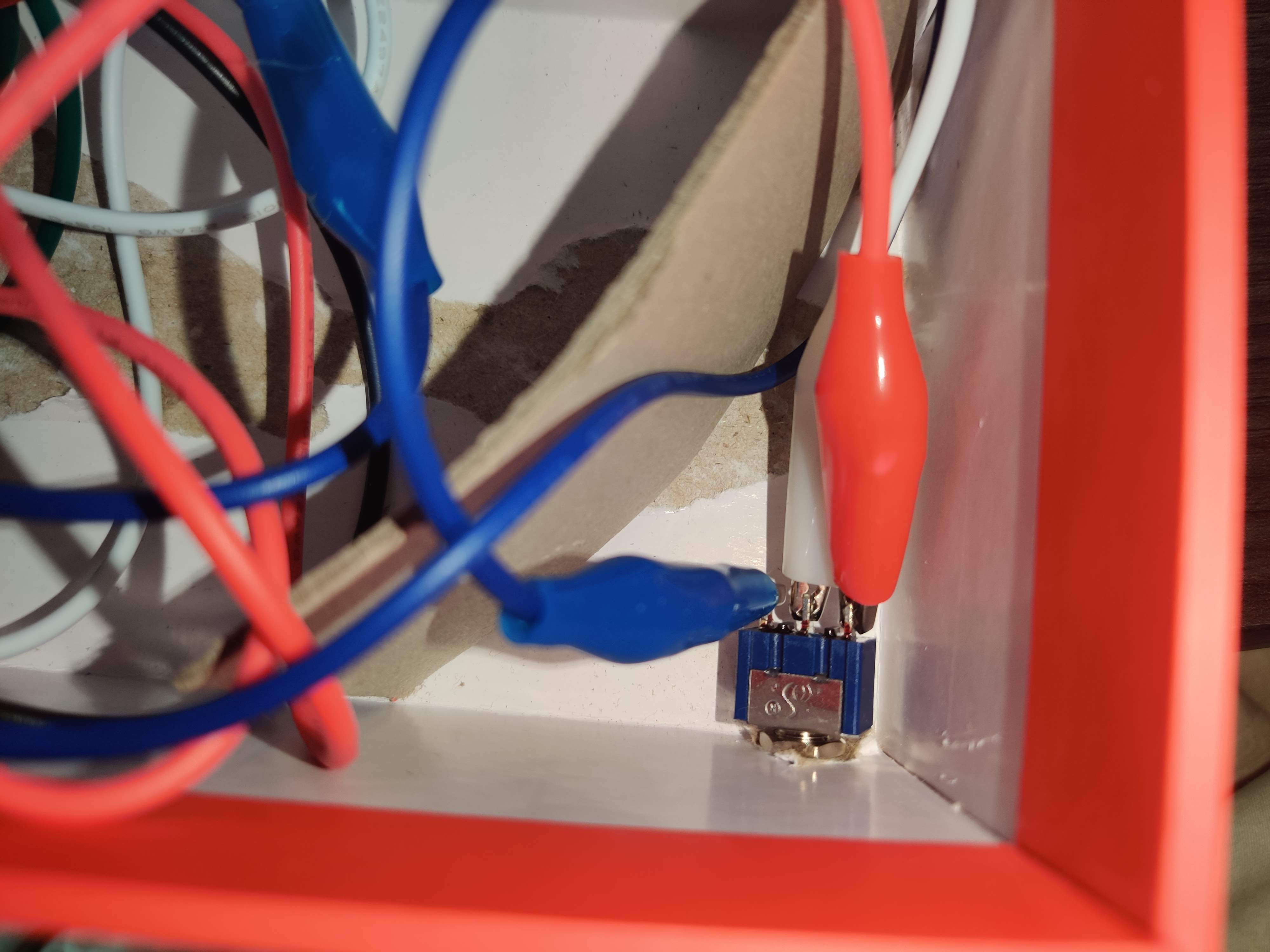
Third Step (On/Off Switch)
This was my last step. I didn't realize that adding a simple switch to the A2 pin would turn off my project. I added it last to make the project more complex
#include <Adafruit_CircuitPlayground.h>
#include <Wire.h>
#include <SPI.h>

// Change the analog input value below to try different sensors:
#define ANALOG_INPUT  A5  // Specify the analog input to read.
                          // Circuit Playground has the following
                          // inputs available:
                          //  - A0  = temperature sensor / thermistor
                          //  - A4  = sound sensor / microphone
                          //  - A5  = light sensor
                          //  - A7  = pin #6 on board
                          //  - A9  = pin #9 on board
                          //  - A10 = pin #10 on board
                          //  - A11 = pin #12 on board

// These defines set the range of expected analog values.
// This is used to scale the NeoPixels, sound, etc.
#define VALUE_MIN     0
#define VALUE_MAX     1000

// These defines set the range of pixel color when mapping
// to the sensor value.
#define COLOR_RED_MIN    255
#define COLOR_GREEN_MIN  0
#define COLOR_BLUE_MIN   0

#define COLOR_RED_MAX    0
#define COLOR_GREEN_MAX  255
#define COLOR_BLUE_MAX   0

// These defines set the range of sound frequencies when
// mapping to the sensor value.
#define TONE_FREQ_MIN    100  // C5 note
#define TONE_FREQ_MAX    988  // B5 note


void setup() {

  // Setup serial port.
  Serial.begin(115200);
  Serial.println("Circuit Playground Analog Sensor Demos!");

  // Setup Circuit Playground library.
  CircuitPlayground.begin();
}

void loop() {


  // Get the sensor sensor value and print it out (can use serial plotter
  // to view realtime graph!).
  uint16_t value = analogRead(ANALOG_INPUT);
  Serial.println(value, DEC);

  // Map the sensor value to a color.
  // Use the range of minimum and maximum sensor values and
  // min/max colors to do the mapping.
  if(value < VALUE_MIN)      value = VALUE_MIN;
  else if(value > VALUE_MAX) value = VALUE_MAX;
  int red   = map(value, VALUE_MIN, VALUE_MAX, COLOR_RED_MIN  , COLOR_RED_MAX);
  int green = map(value, VALUE_MIN, VALUE_MAX, COLOR_GREEN_MIN, COLOR_GREEN_MAX);
  int blue  = map(value, VALUE_MIN, VALUE_MAX, COLOR_BLUE_MIN , COLOR_BLUE_MAX);
  // Gamma correction gives a more linear appearance to brightness ranges
  red   = CircuitPlayground.gamma8(red);
  green = CircuitPlayground.gamma8(green);
  blue  = CircuitPlayground.gamma8(blue);

  // Light up pixel #4 and 5 with the color.

  CircuitPlayground.setPixelColor(value/100, red, green, blue);
  CircuitPlayground.setPixelColor(value/100, red, green, blue);
  CircuitPlayground.setPixelColor(value/100, red, green, blue);
  CircuitPlayground.setPixelColor(value/100, red, green, blue);
  CircuitPlayground.setPixelColor(value/100, red, green, blue);
  CircuitPlayground.setPixelColor(value/100, red, green, blue);
  CircuitPlayground.setPixelColor(value/100, red, green, blue);
  CircuitPlayground.setPixelColor(value/100, red, green, blue);
  CircuitPlayground.setPixelColor(value/100, red, green, blue);
  CircuitPlayground.setPixelColor(value/100, red, green, blue);
  if (value/100<1)
  {
CircuitPlayground.setPixelColor(10, 0, 0, 0);
 CircuitPlayground.setPixelColor(9, 0, 0, 0);
 CircuitPlayground.setPixelColor(8, 0, 0, 0);
 CircuitPlayground.setPixelColor(7, 0, 0, 0);
 CircuitPlayground.setPixelColor(6, 0, 0, 0);
 CircuitPlayground.setPixelColor(5, 0, 0, 0);
 CircuitPlayground.setPixelColor(4, 0, 0, 0);
 CircuitPlayground.setPixelColor(3, 0, 0, 0);
 CircuitPlayground.setPixelColor(2, 0, 0, 0);
 CircuitPlayground.setPixelColor(1, 0, 0, 0);
  }
  if (value/100<2)
  {
CircuitPlayground.setPixelColor(10, 0, 0, 0);
 CircuitPlayground.setPixelColor(9, 0, 0, 0);
 CircuitPlayground.setPixelColor(8, 0, 0, 0);
 CircuitPlayground.setPixelColor(7, 0, 0, 0);
 CircuitPlayground.setPixelColor(6, 0, 0, 0);
 CircuitPlayground.setPixelColor(5, 0, 0, 0);
 CircuitPlayground.setPixelColor(4, 0, 0, 0);
 CircuitPlayground.setPixelColor(3, 0, 0, 0);
 CircuitPlayground.setPixelColor(2, 0, 0, 0);
  }
    if (value/100<3)
  {
 CircuitPlayground.setPixelColor(10, 0, 0, 0);
 CircuitPlayground.setPixelColor(9, 0, 0, 0);
 CircuitPlayground.setPixelColor(8, 0, 0, 0);
 CircuitPlayground.setPixelColor(7, 0, 0, 0);
 CircuitPlayground.setPixelColor(6, 0, 0, 0);
 CircuitPlayground.setPixelColor(5, 0, 0, 0);
 CircuitPlayground.setPixelColor(4, 0, 0, 0);
 CircuitPlayground.setPixelColor(3, 0, 0, 0);
  }
      if (value/100<4)
  {
CircuitPlayground.setPixelColor(10, 0, 0, 0);
 CircuitPlayground.setPixelColor(9, 0, 0, 0);
 CircuitPlayground.setPixelColor(8, 0, 0, 0);
 CircuitPlayground.setPixelColor(7, 0, 0, 0);
 CircuitPlayground.setPixelColor(6, 0, 0, 0);
 CircuitPlayground.setPixelColor(5, 0, 0, 0);
 CircuitPlayground.setPixelColor(4, 0, 0, 0);

  }
      if (value/100<5)
  {
CircuitPlayground.setPixelColor(10, 0, 0, 0);
 CircuitPlayground.setPixelColor(9, 0, 0, 0);
 CircuitPlayground.setPixelColor(8, 0, 0, 0);
 CircuitPlayground.setPixelColor(7, 0, 0, 0);
 CircuitPlayground.setPixelColor(6, 0, 0, 0);
 CircuitPlayground.setPixelColor(5, 0, 0, 0);

  }
        if (value/100<6)
  {
CircuitPlayground.setPixelColor(10, 0, 0, 0);
 CircuitPlayground.setPixelColor(9, 0, 0, 0);
 CircuitPlayground.setPixelColor(8, 0, 0, 0);
 CircuitPlayground.setPixelColor(7, 0, 0, 0);
 CircuitPlayground.setPixelColor(6, 0, 0, 0);
  }
         if (value/100<7)
  {
CircuitPlayground.setPixelColor(10, 0, 0, 0);
 CircuitPlayground.setPixelColor(9, 0, 0, 0);
 CircuitPlayground.setPixelColor(8, 0, 0, 0);
 CircuitPlayground.setPixelColor(7, 0, 0, 0);
  }
         if (value/100<8)
  {
CircuitPlayground.setPixelColor(10, 0, 0, 0);
 CircuitPlayground.setPixelColor(9, 0, 0, 0);
 CircuitPlayground.setPixelColor(8, 0, 0, 0);
  }
           if (value/100<9)
  {
 CircuitPlayground.setPixelColor(10, 0, 0, 0);
 CircuitPlayground.setPixelColor(9, 0, 0, 0);
  }
             if (value/100<10)
  {
CircuitPlayground.setPixelColor(10, 0, 0, 0);

  }


  // Map the sensor value to a tone frequency.
  int frequency = map(value, VALUE_MIN, VALUE_MAX, TONE_FREQ_MIN, TONE_FREQ_MAX);

  // Play the tone if the slide switch is turned on (to the left).
  if (CircuitPlayground.slideSwitch()) {
    // Play tone of the mapped frequency value for 100 milliseconds.
    CircuitPlayground.playTone(frequency, 10);
  }

  // Delay for a bit and repeat the loop.
  delay(0);
}
Comments